Plug & Play Presets
For Sonulab StompStation PRO
Powered by Komposition101 NAM Profiles
Interested in more NAM profiles?
Sign up to our newsletter and get an instant 30% discount code straight to your inbox.
Get the CodeAdd any 4 products to your cart — the cheapest one is automatically deducted at checkout.
Price Filter
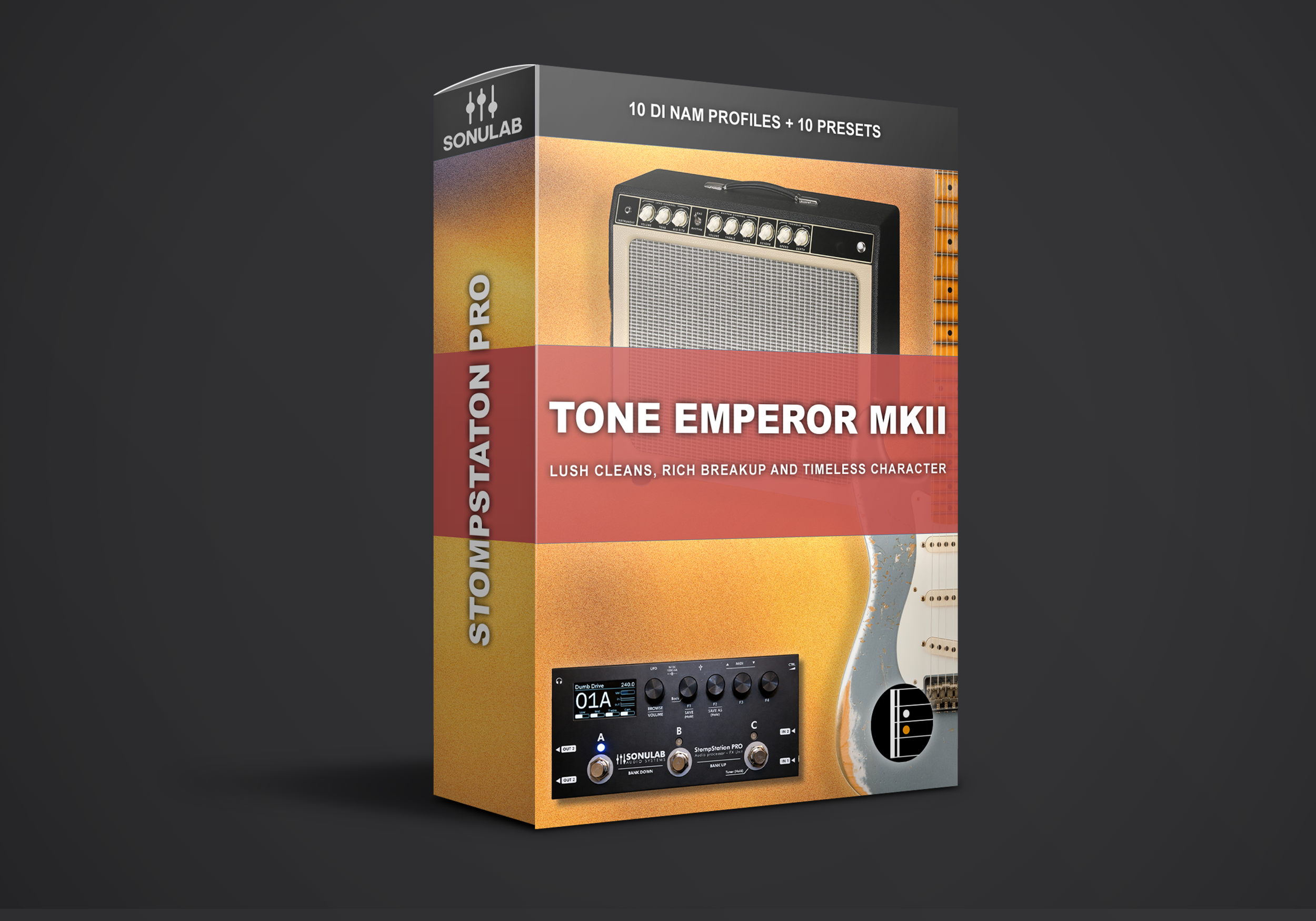
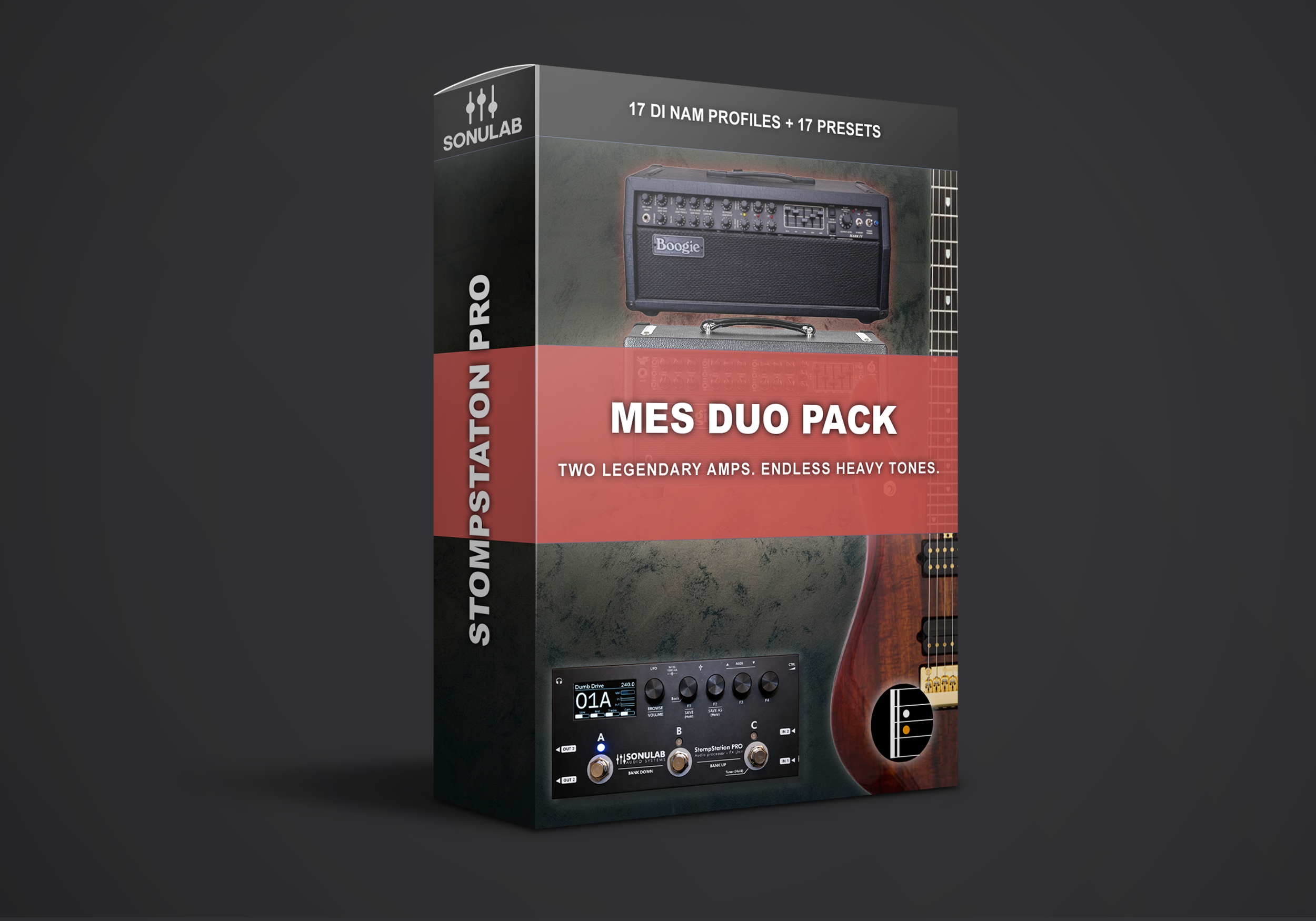
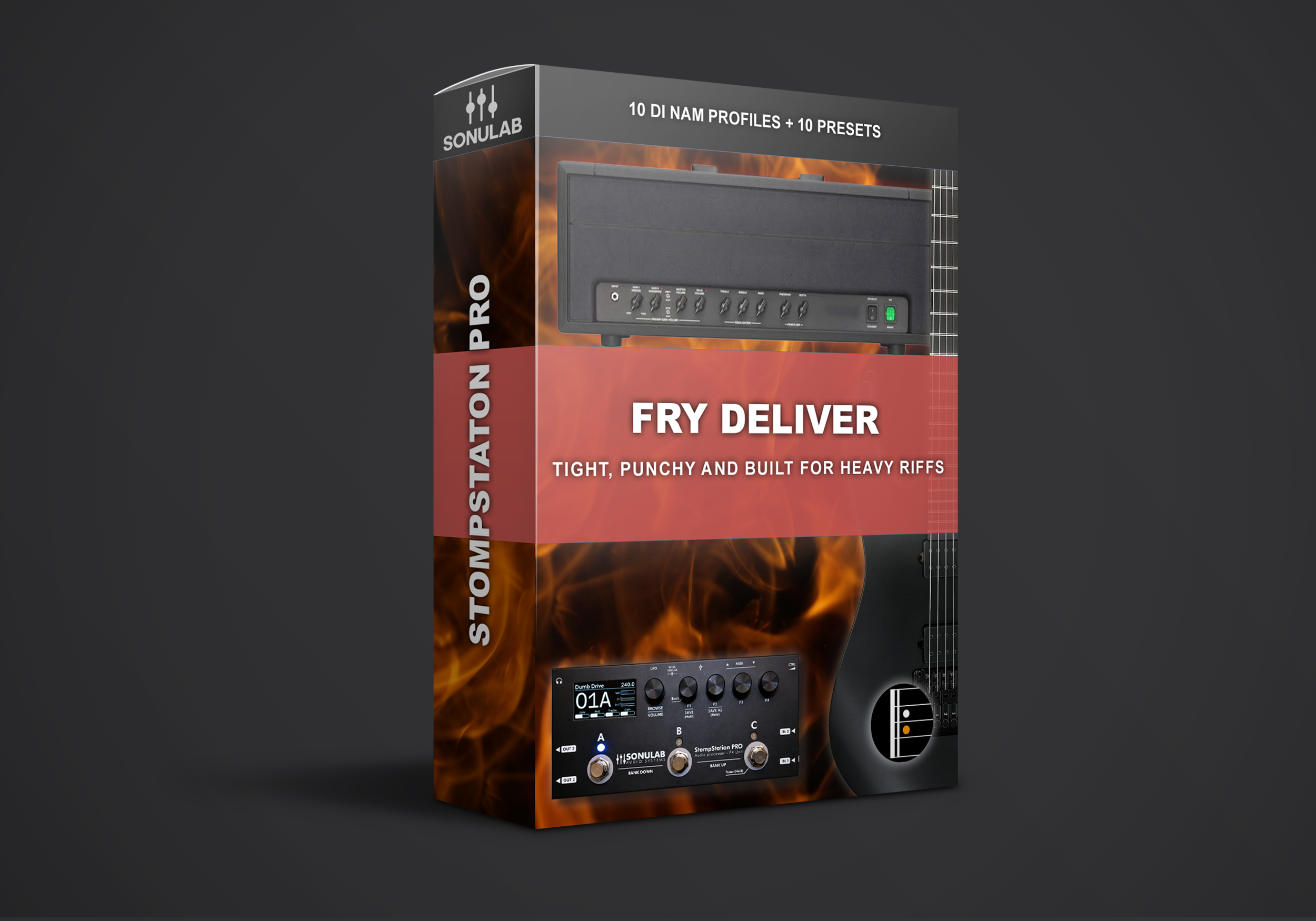
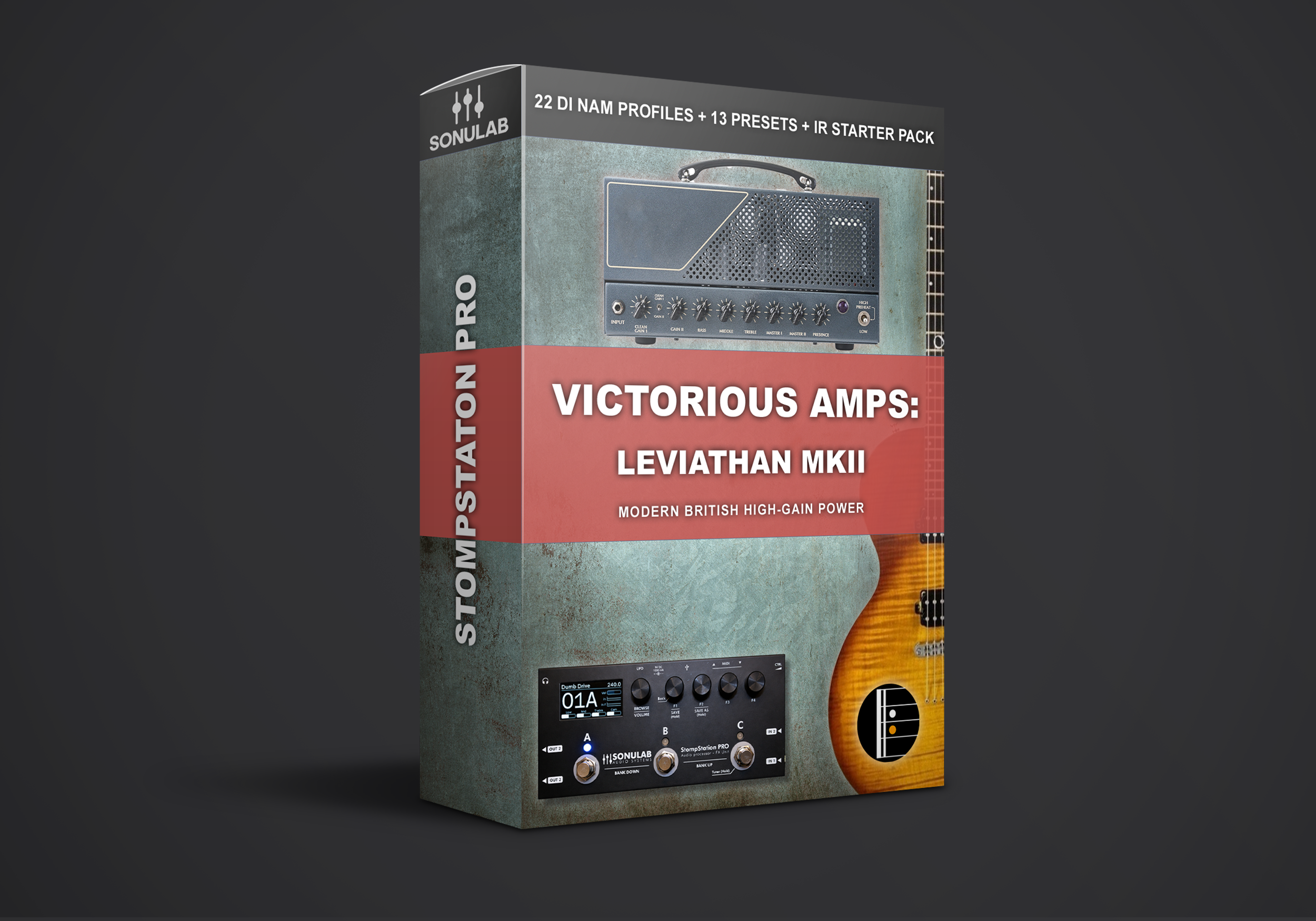
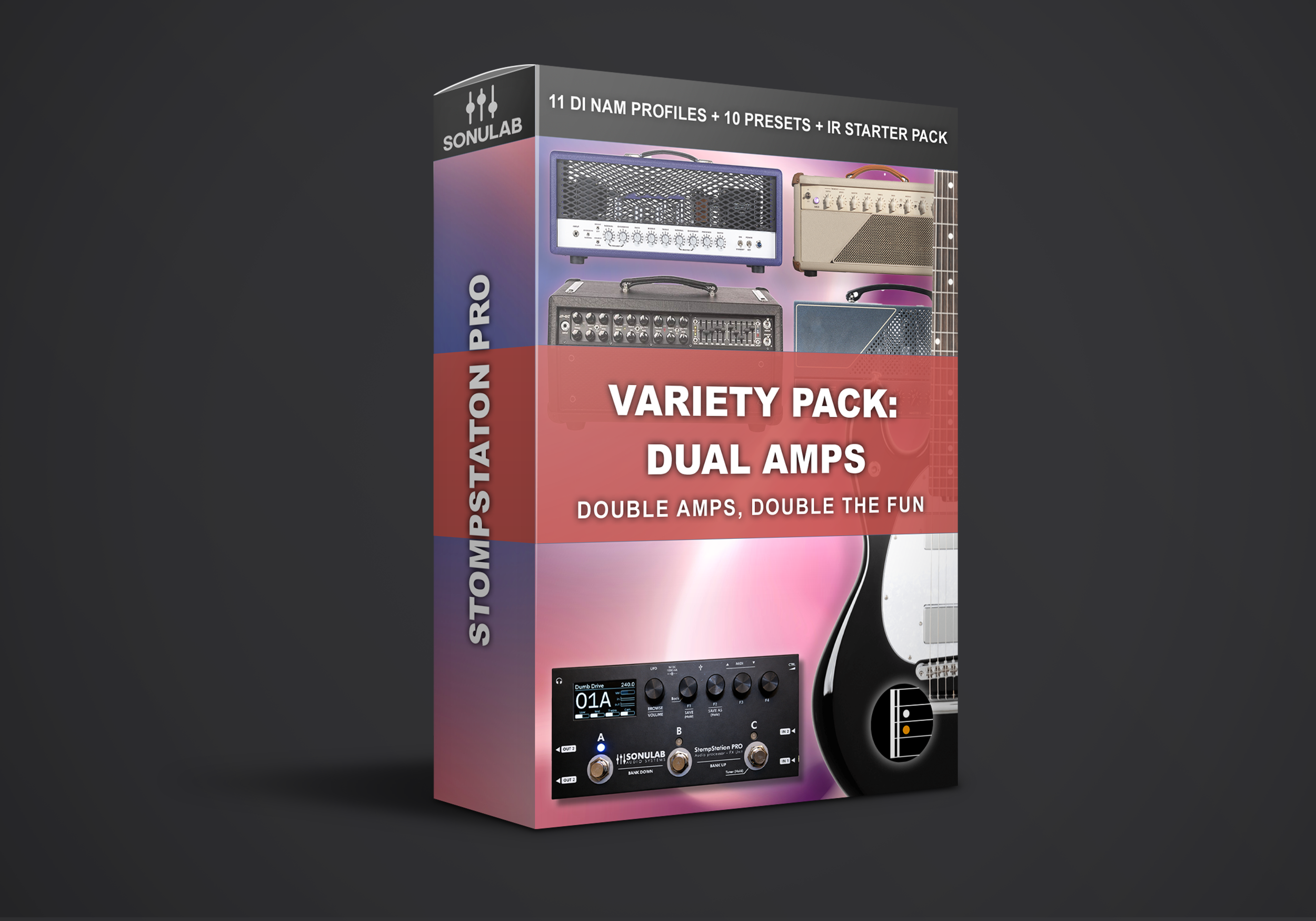
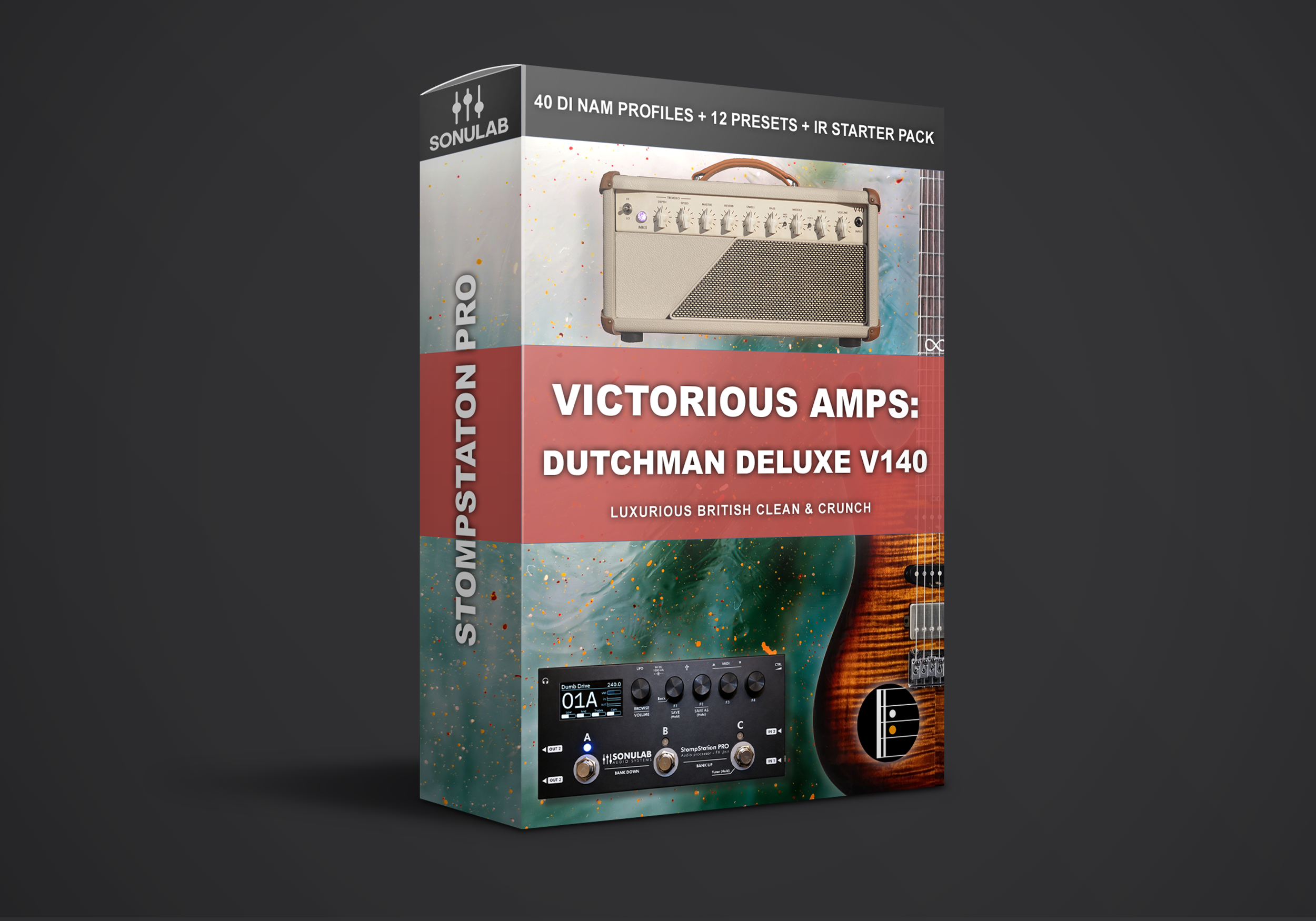
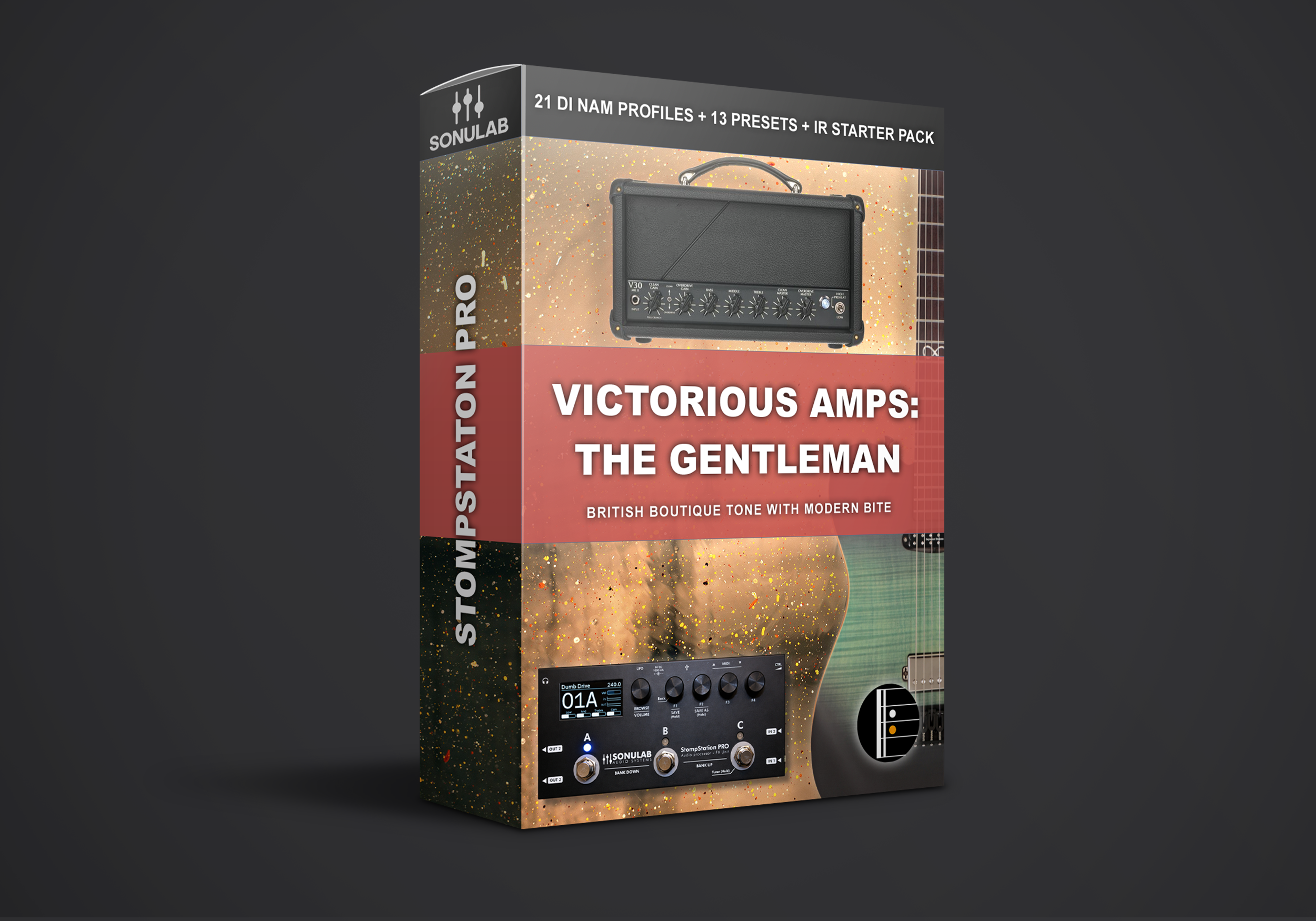
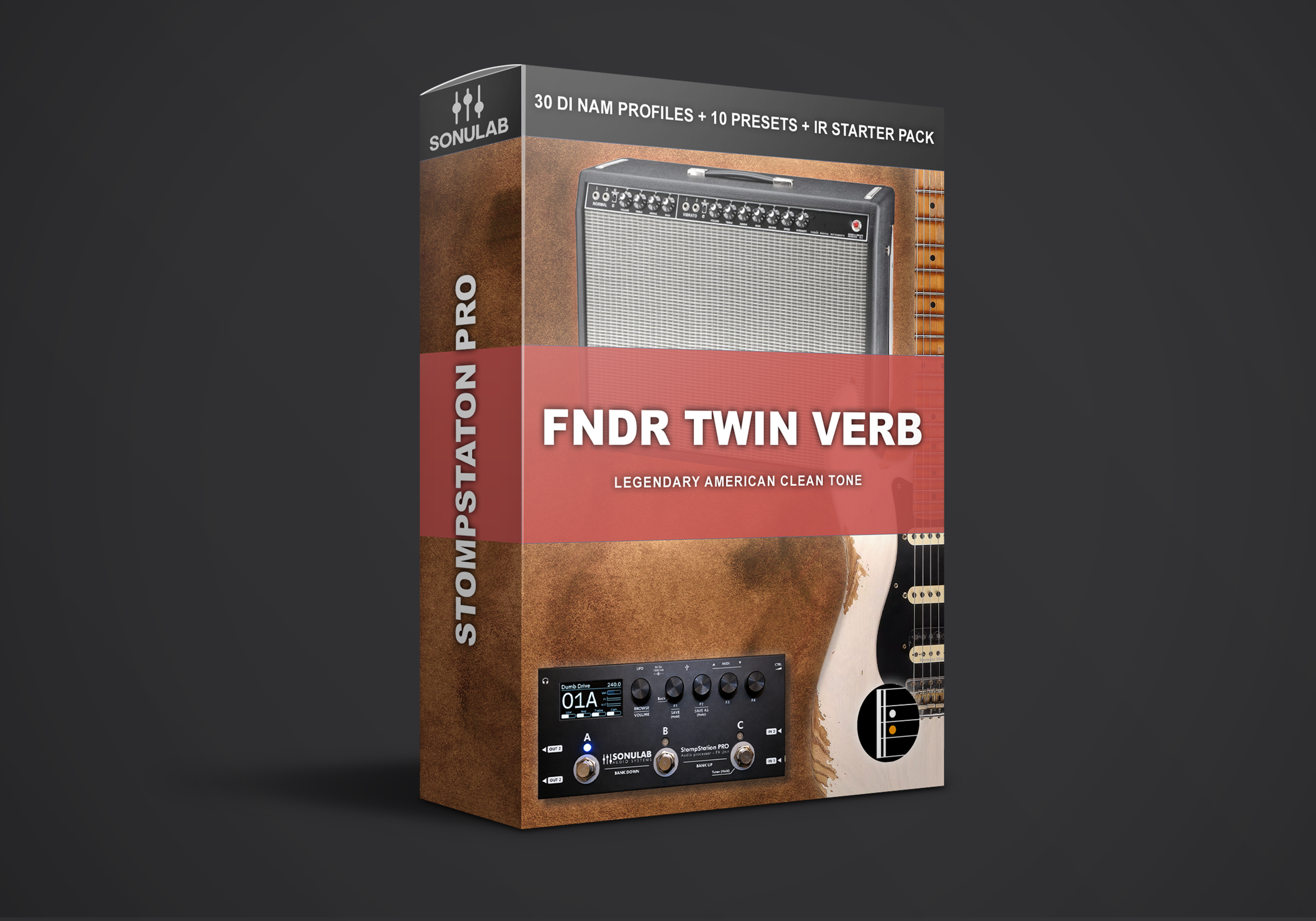
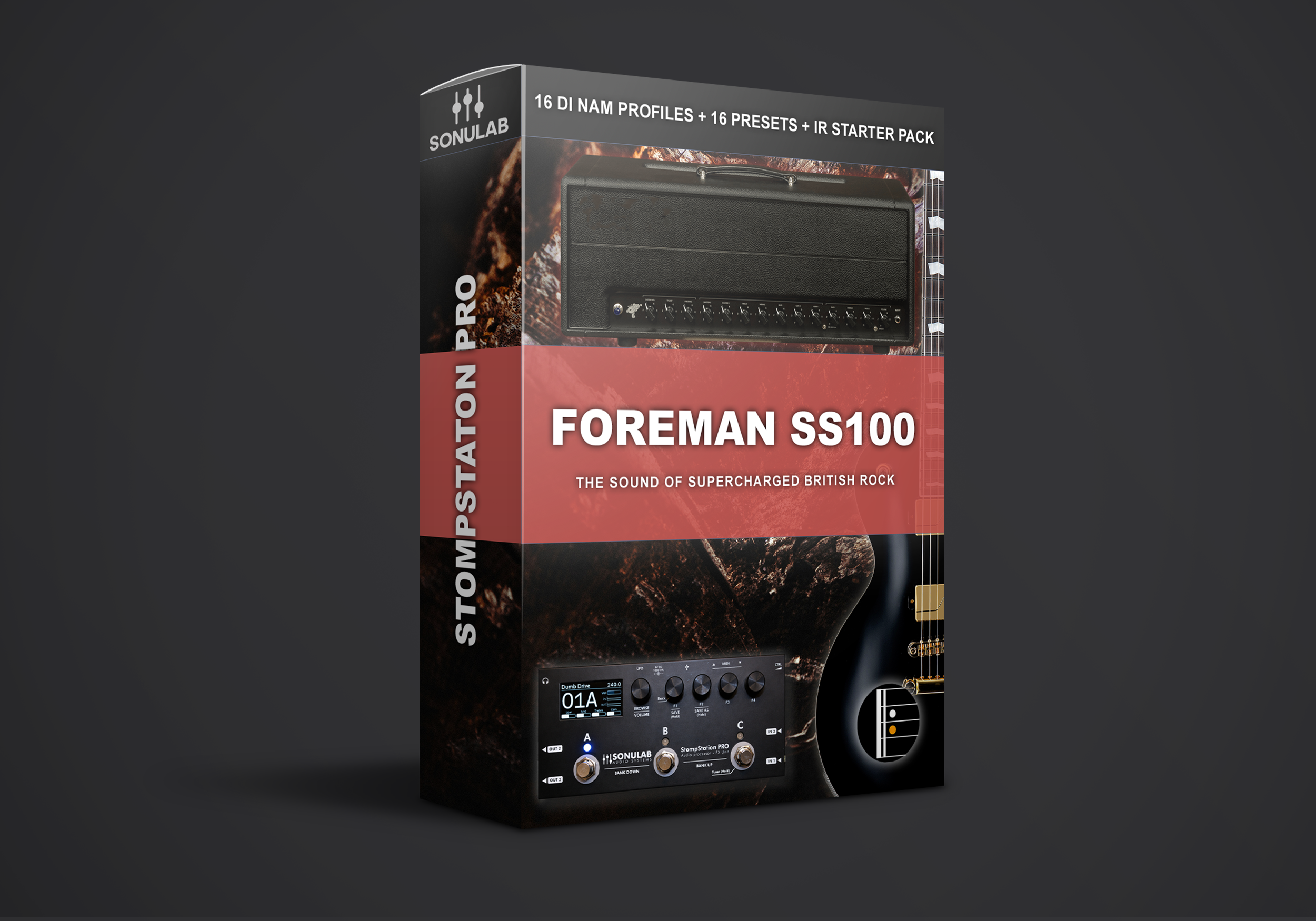
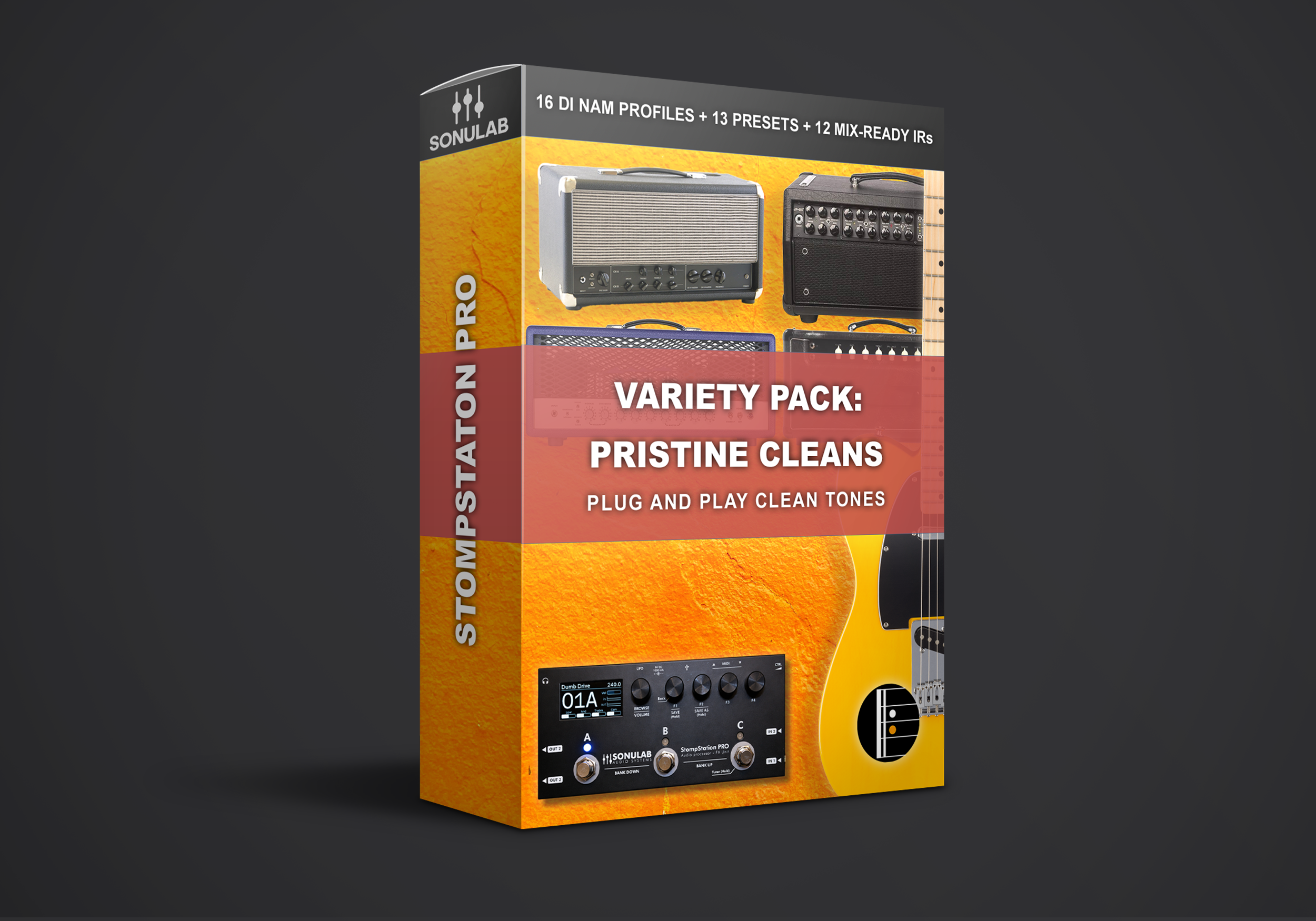
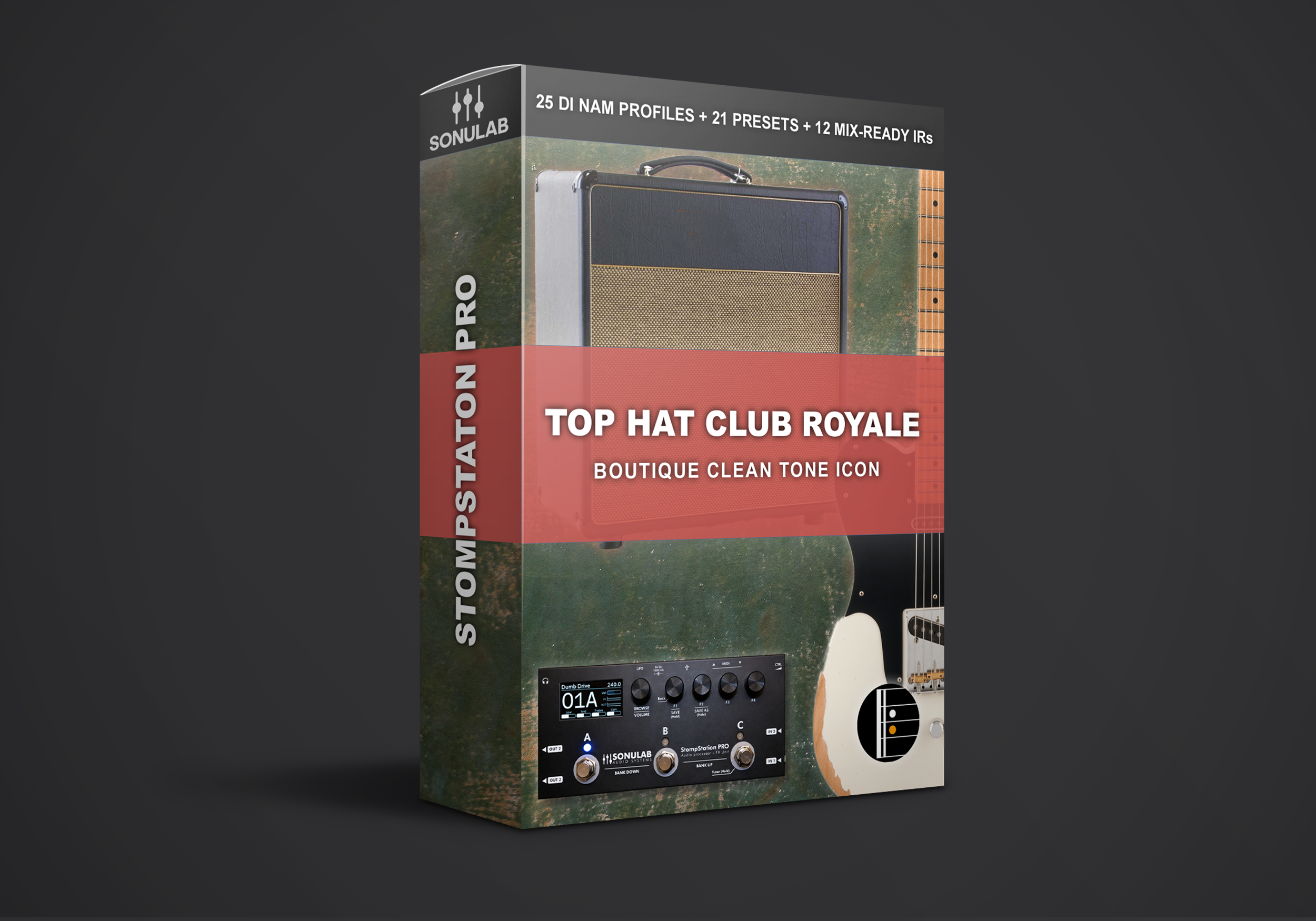
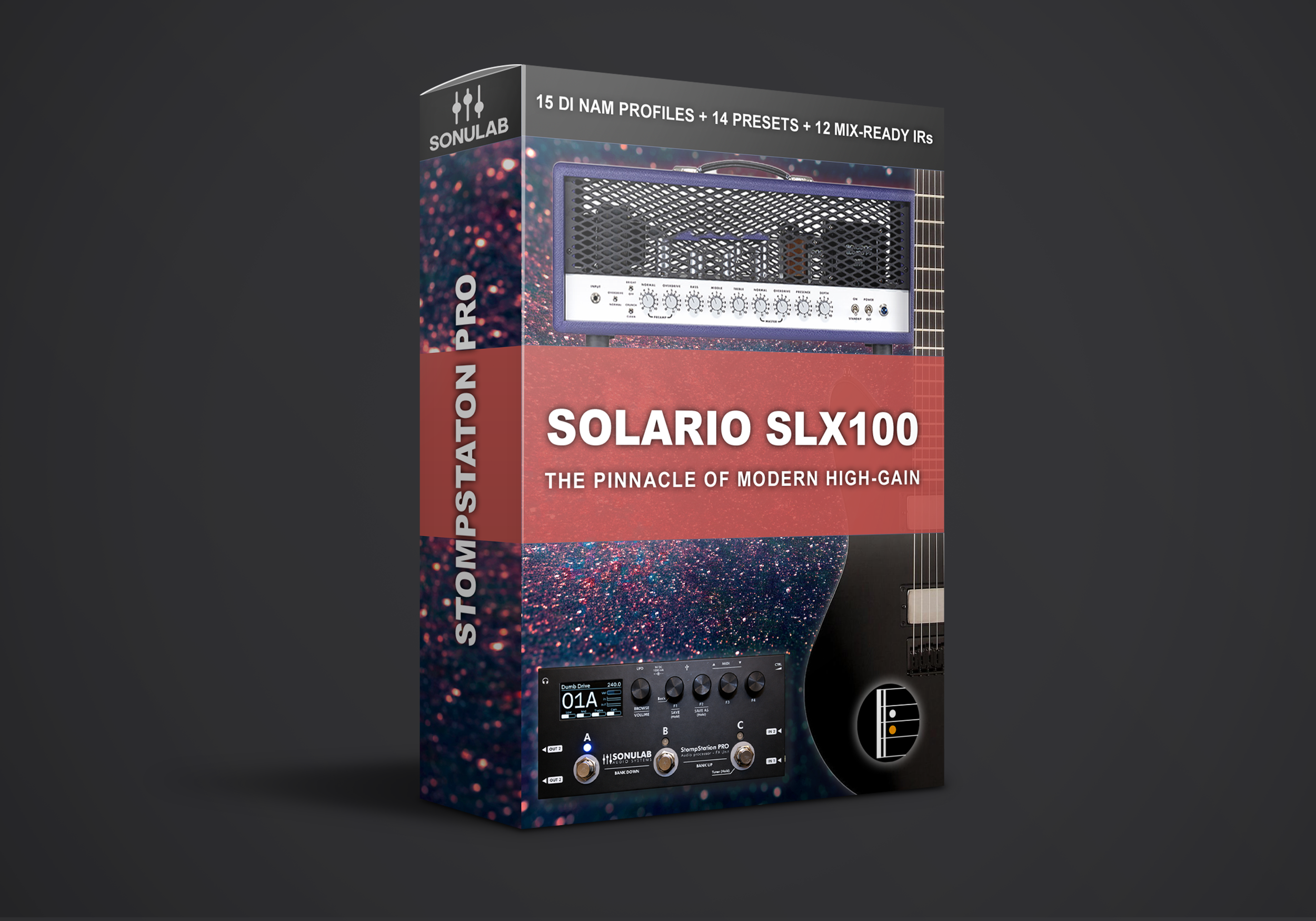
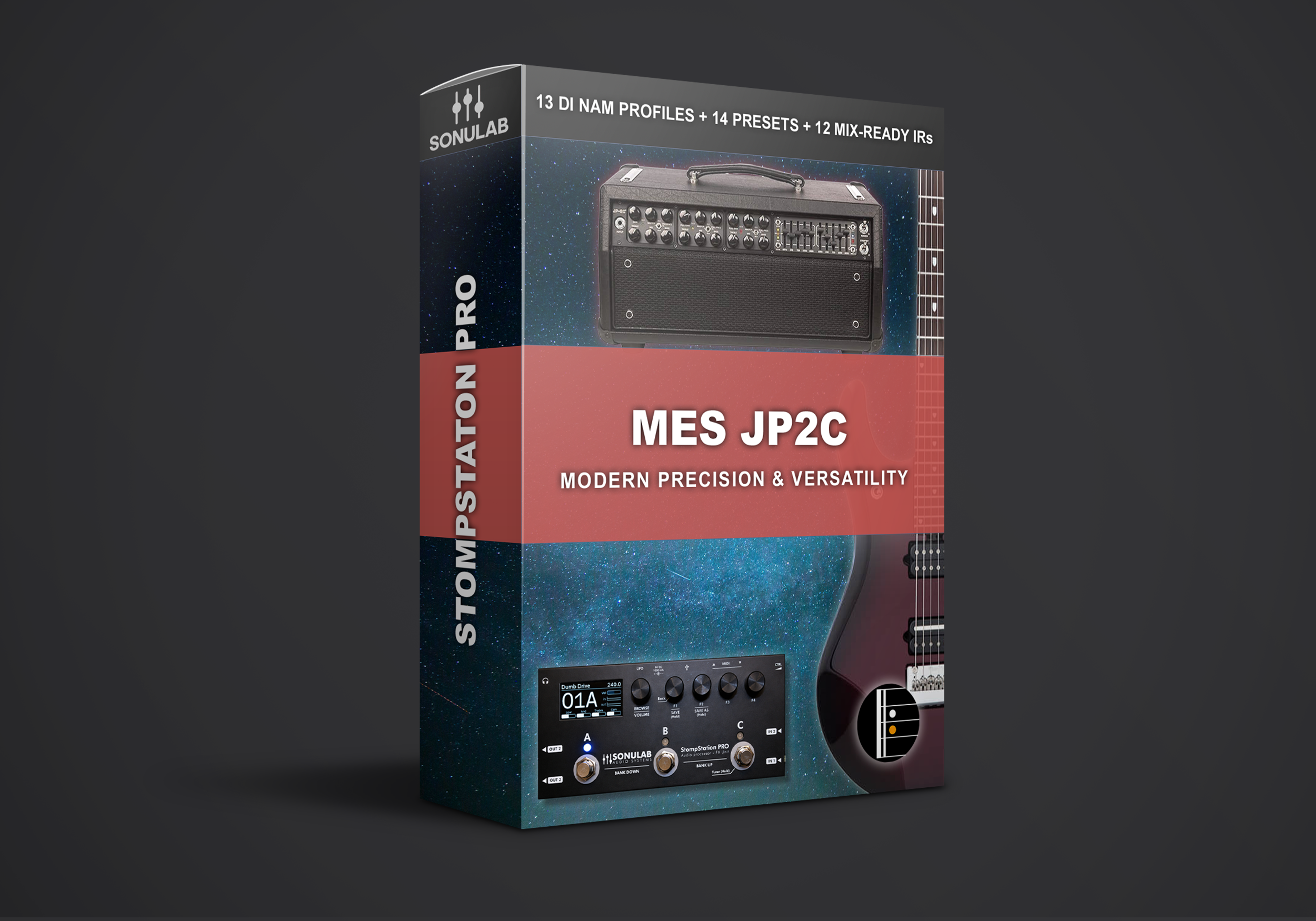
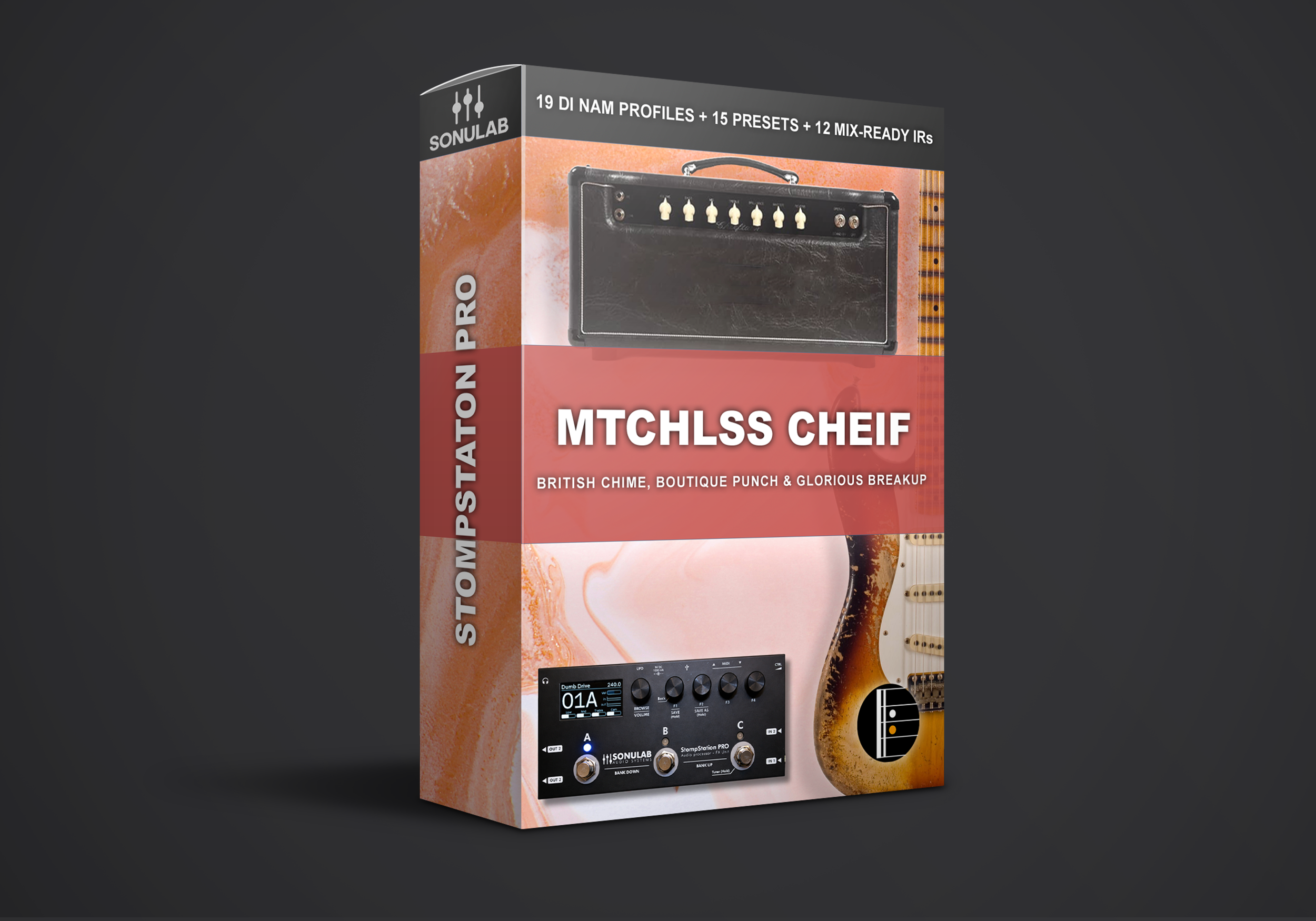
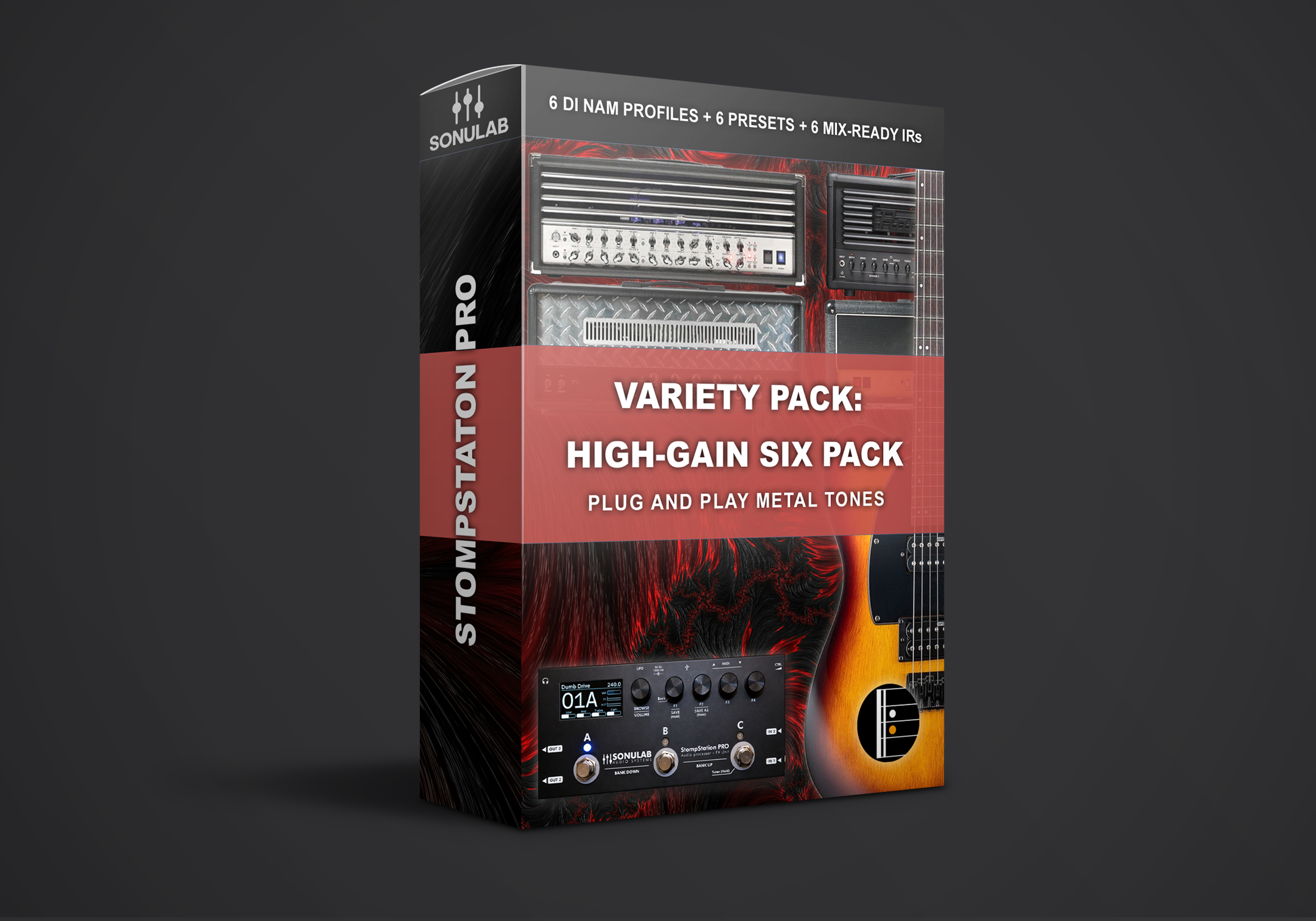
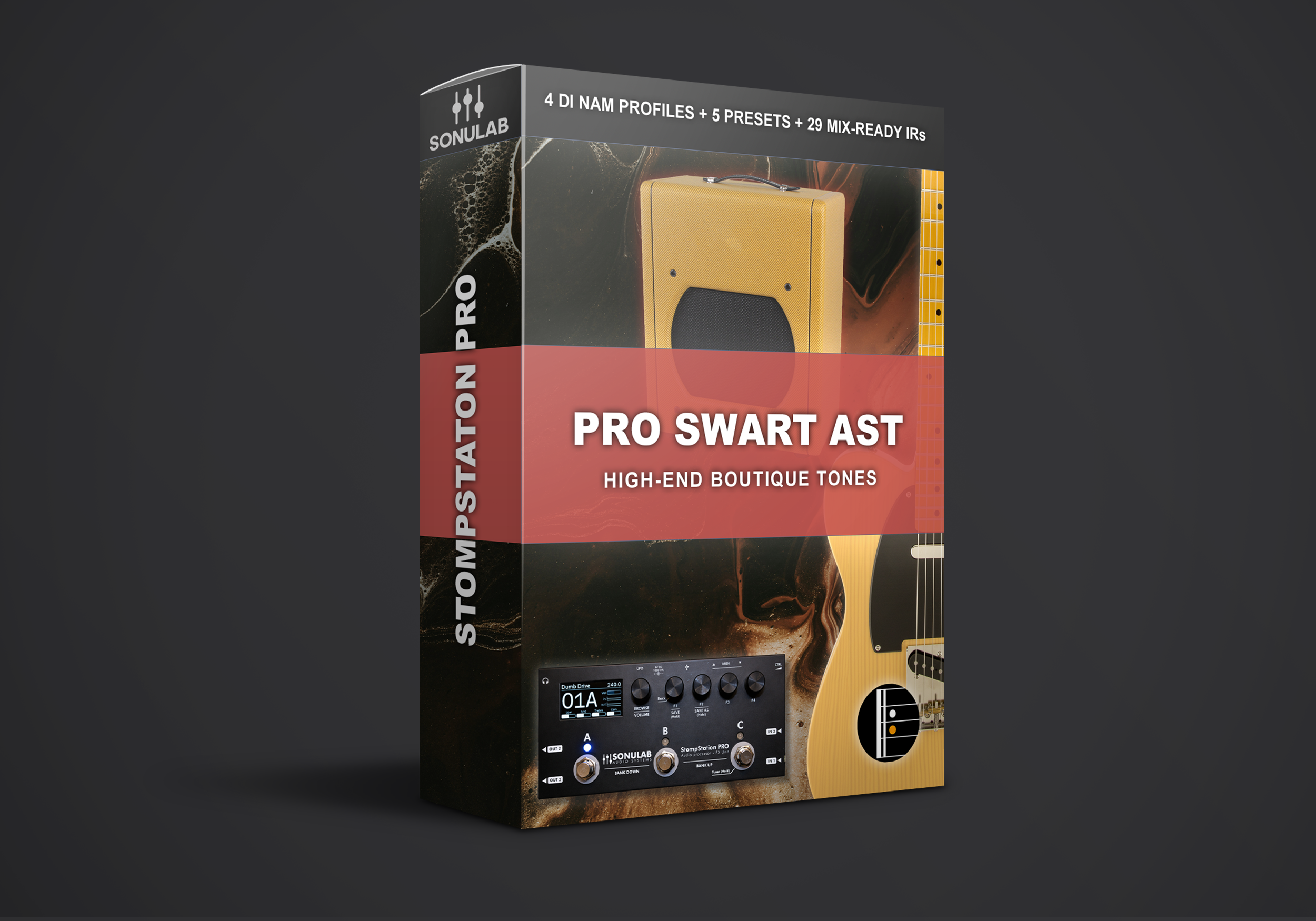
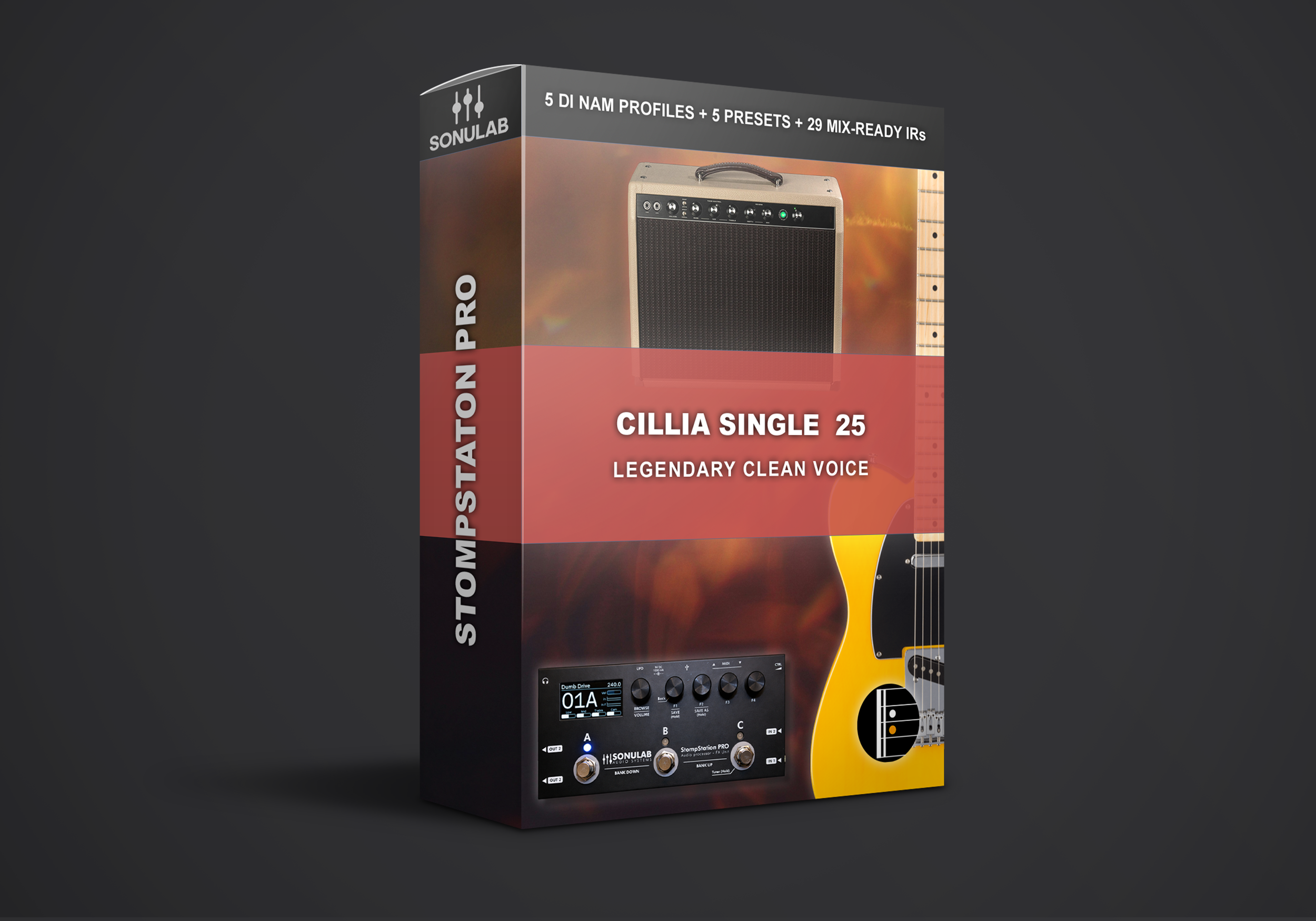
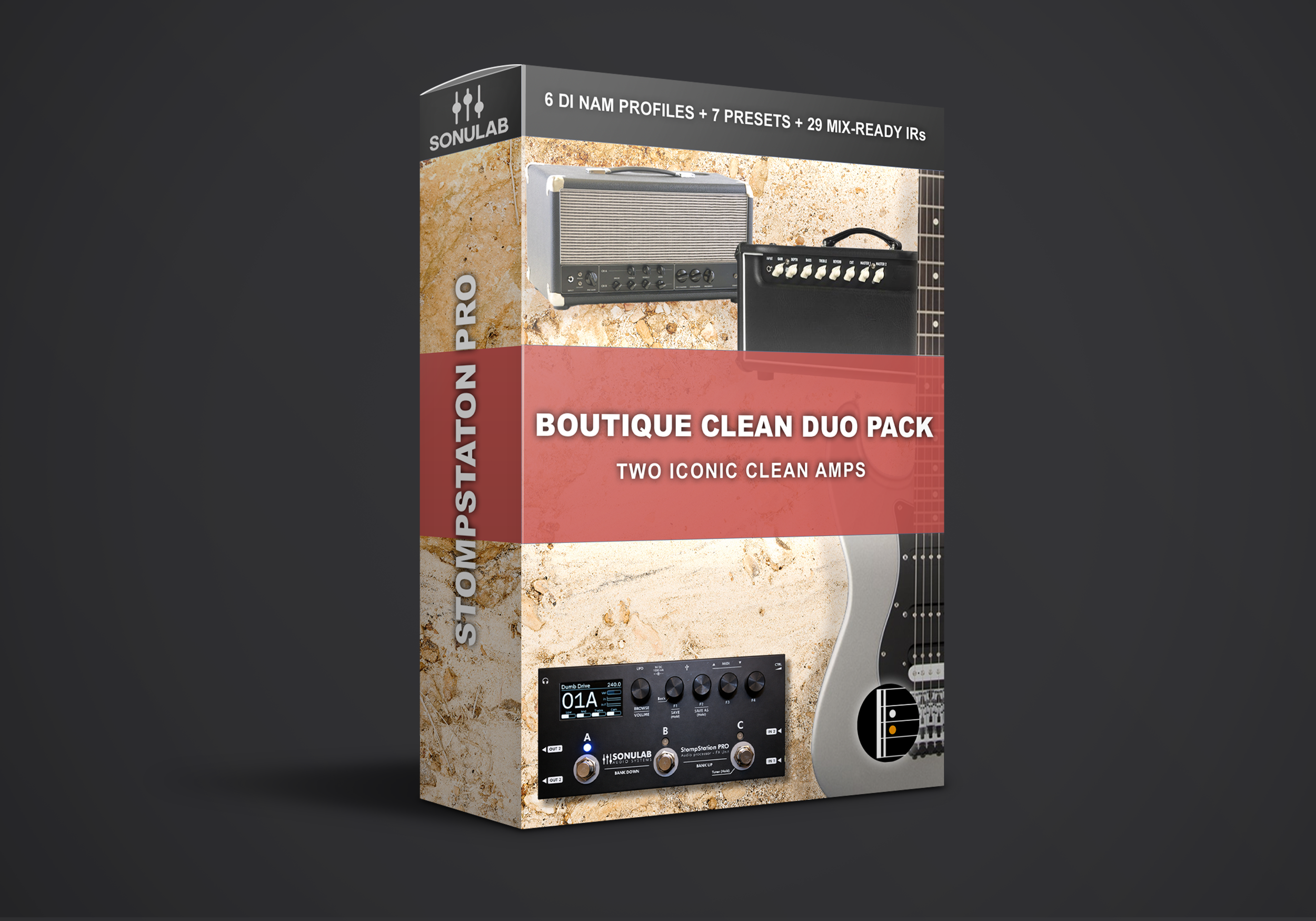
How It Works
From Checkout to Gig in Minutes
-
01
Pick Your Presets
Choose a single pack or a variety pack. Add any 4 products and the cheapest one is free at checkout.
-
02
Download Instantly
Your download link arrives by email right after checkout with your presets, NAM captures and IRs.
-
03
Load With VoidX-Control
Import everything to your pedal with Sonulab's free VoidX-Control app. Plug in and play, no computer needed on stage.
FAQ
StompStation PRO Presets: Common Questions
What is included in each pack?
Each pack contains ready to play StompStation PRO presets built around our own NAM captures, with matched stereo IRs and a full effects chain. Load a preset and play, no tweaking required.
How do I load the presets onto my StompStation PRO?
Use Sonulab's free VoidX-Control app. It handles presets, NAM captures and IRs in one place: import the files from your download, then send them to your pedal. Once loaded, the StompStation PRO runs completely standalone.
Does the StompStation PRO support NAM A2?
Yes. The StompStation PRO runs both NAM A1 and A2 natively and loads .nam files directly, with no conversion to another format. That means our captures sound exactly as they were made. Each preset can also combine more than one capture, for example a drive pedal into an amp.
Will these work on the original StompStation (non PRO)?
The presets are built for the StompStation PRO. The original StompStation can also load NAM files, but it converts them to Sonulab's own amp engine and has a different signal chain. If you own the original model, our NAM guitar captures are the better fit.
Can I use your NAM captures from other pages too?
Yes. Because the StompStation PRO loads .nam files natively, every capture in our NAM guitar and NAM bass collections works on it. The packs on this page save you the setup by adding finished presets, IRs and effects.
Can I use them with a guitar amp or cab?
The presets are built for full range playback: FRFR speakers, studio monitors, headphones or direct to a PA. When running into a guitar amp or real cab, bypass the IR block so you are not doubling up on speaker simulation.
Which firmware do I need?
We recommend updating your StompStation PRO and the VoidX-Control app to the latest versions before importing. Firmware updates are done directly through the app.
How does Buy 3 Get 1 Free work?
Add any 4 products to your cart and the cheapest one is deducted automatically at checkout. No code needed. You can also sign up to our newsletter for 30% off your first order.
I lost my download link. What do I do?
We recommend downloading your files straight after purchase and keeping a backup. If your link has expired or the email never arrived, check your spam folder first, then email support@komposition101.com with your order number and we will sort it out.
Still Deciding?
Start With a Variety Pack
Six high gain presets in one pack, ready to load. Or find your sound in under a minute with the Tone Finder.