Line 6 POD Go Guitar Presets
Plug In ◆ Play ◆ Sound Incredible
Sign up to our newsletter and get an instant 30% discount code straight to your inbox.
Get the CodeAdd any 4 products to your cart — the cheapest one is automatically deducted at checkout.
Price Filter
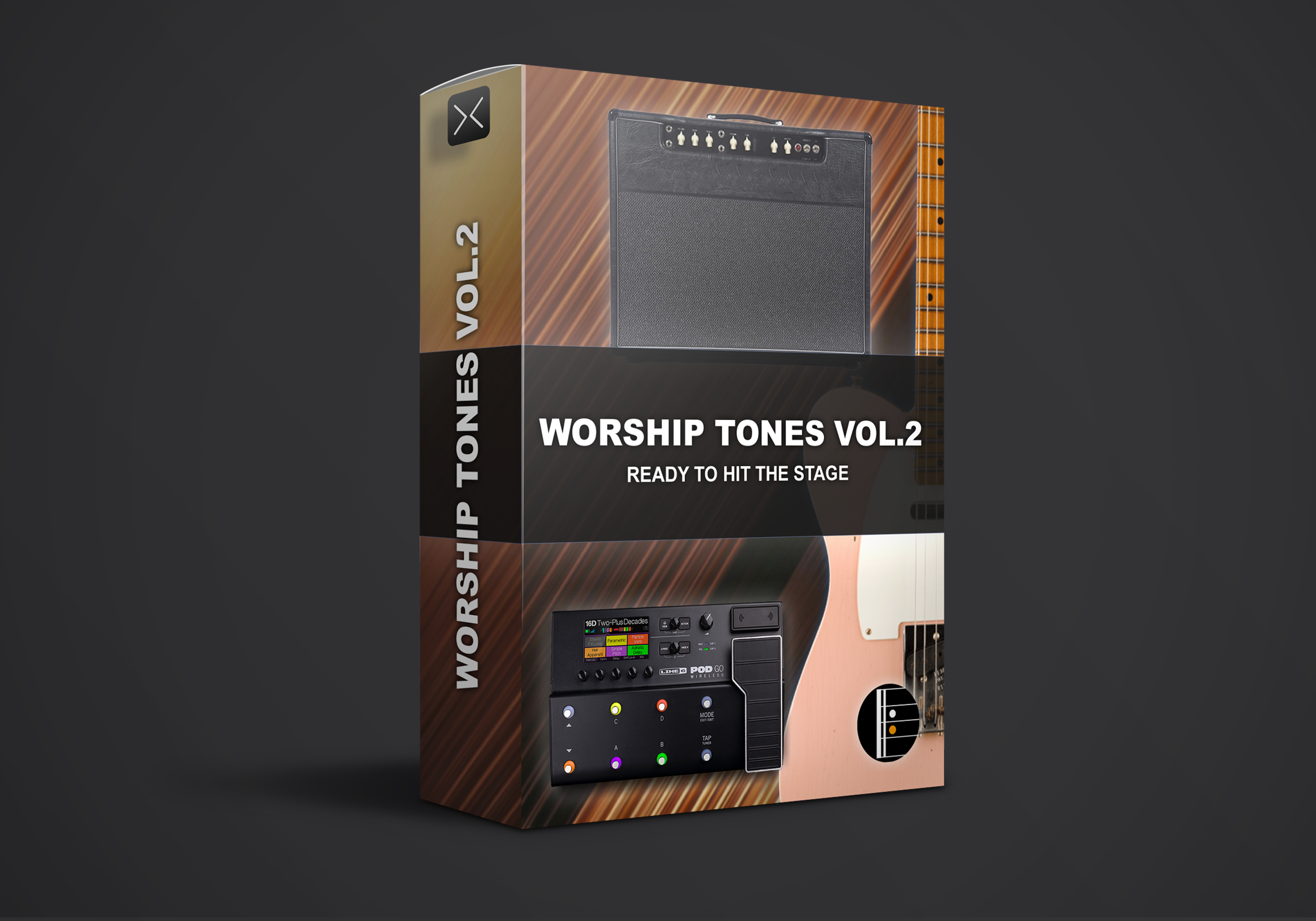
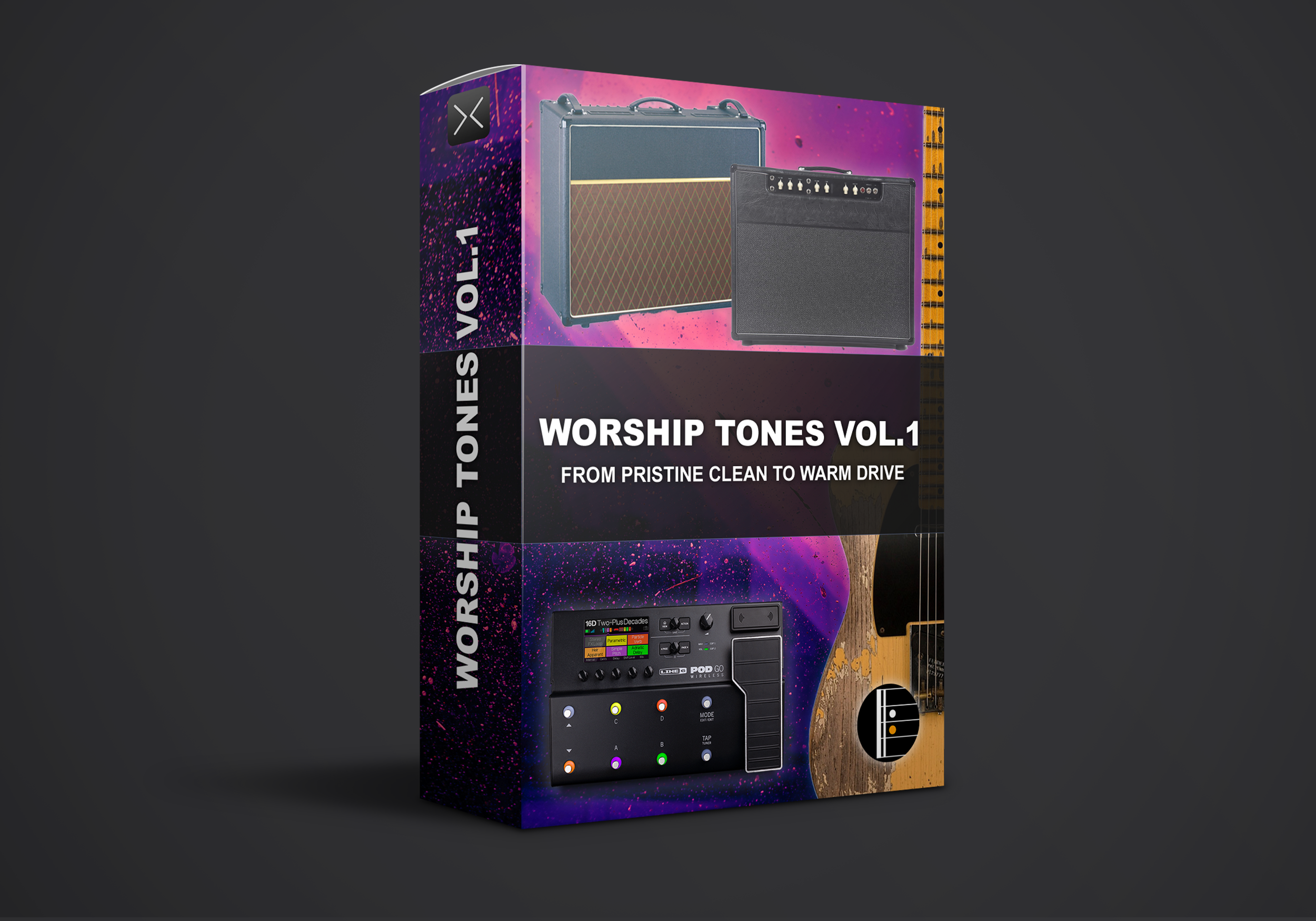
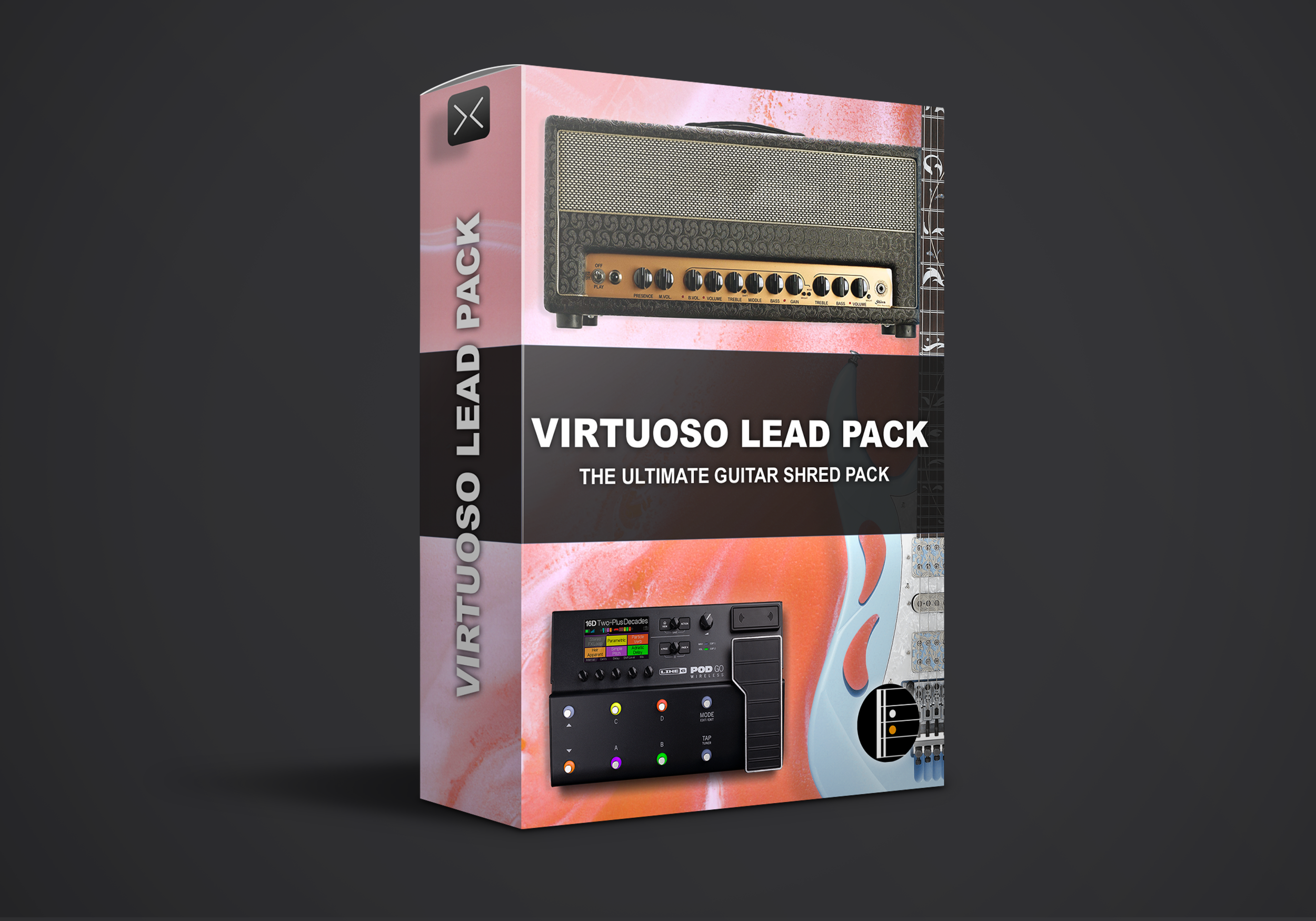
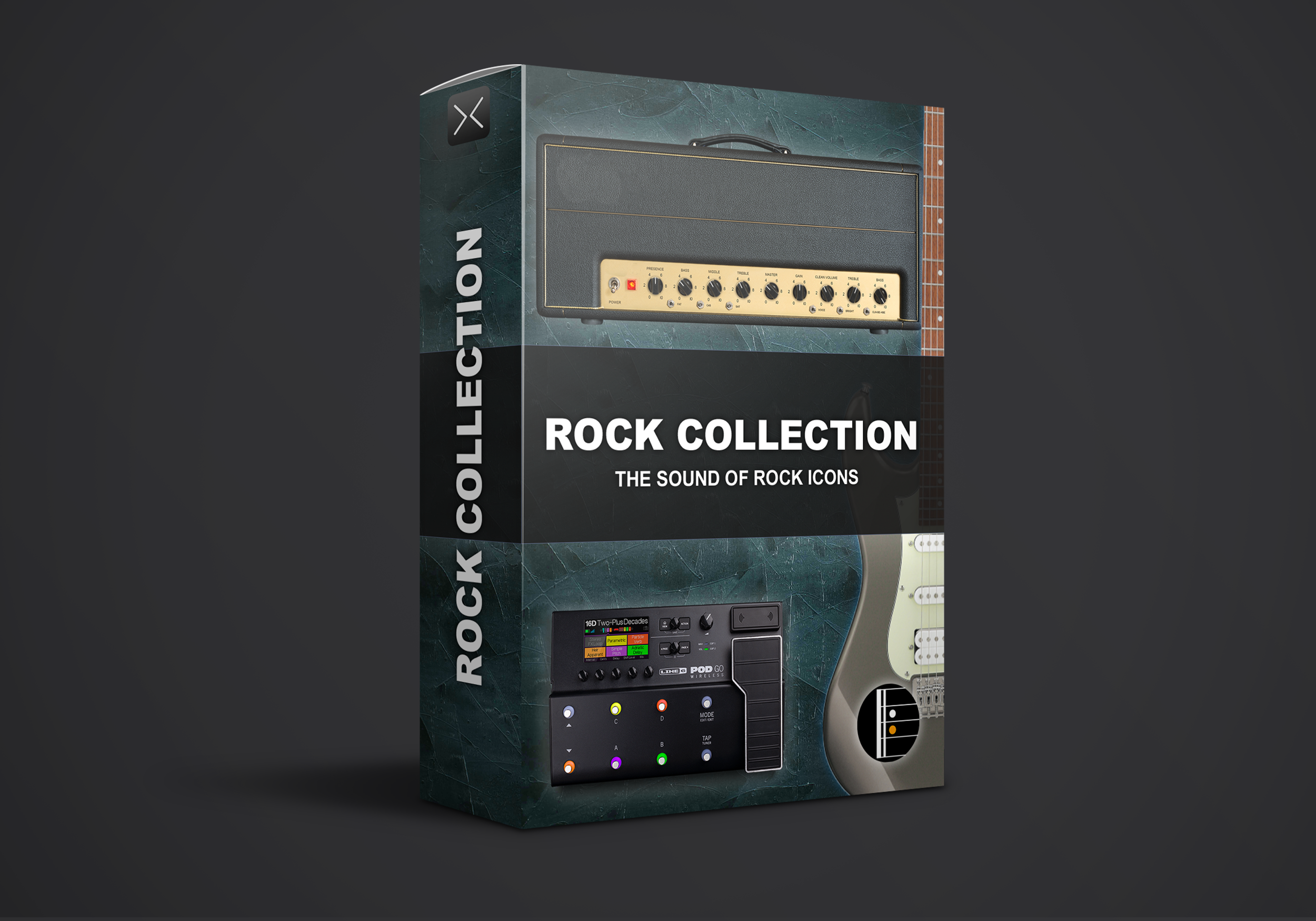
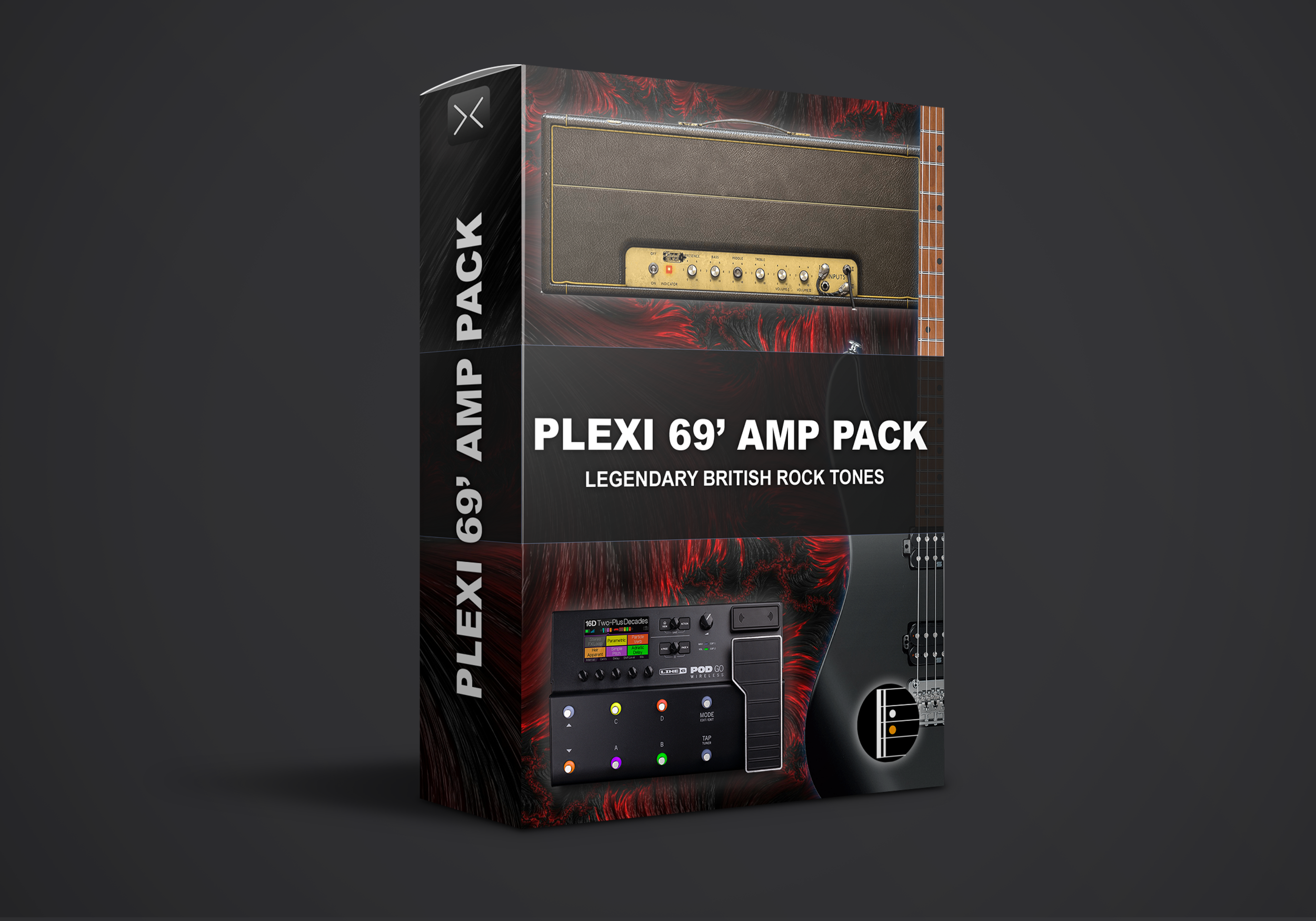
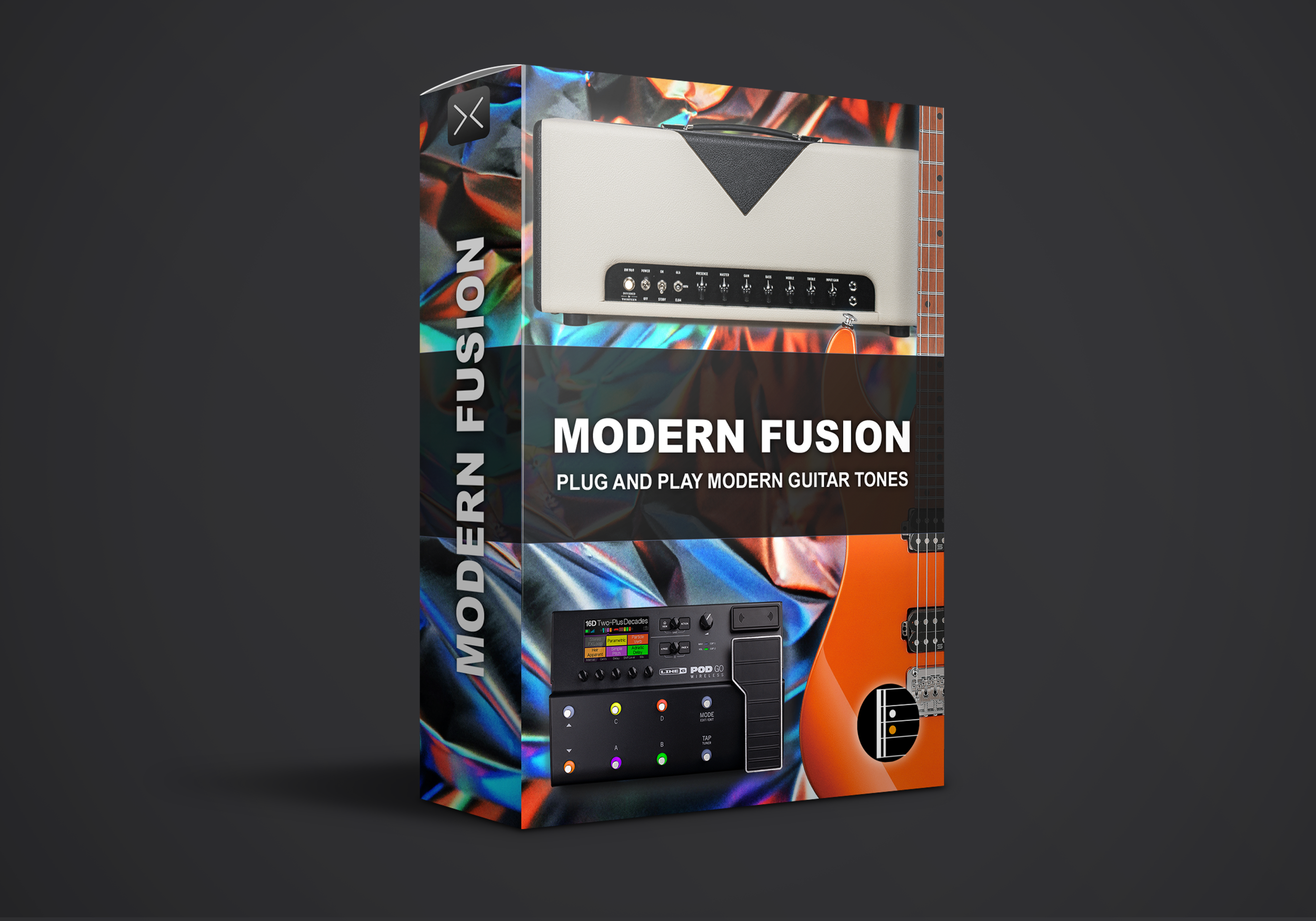
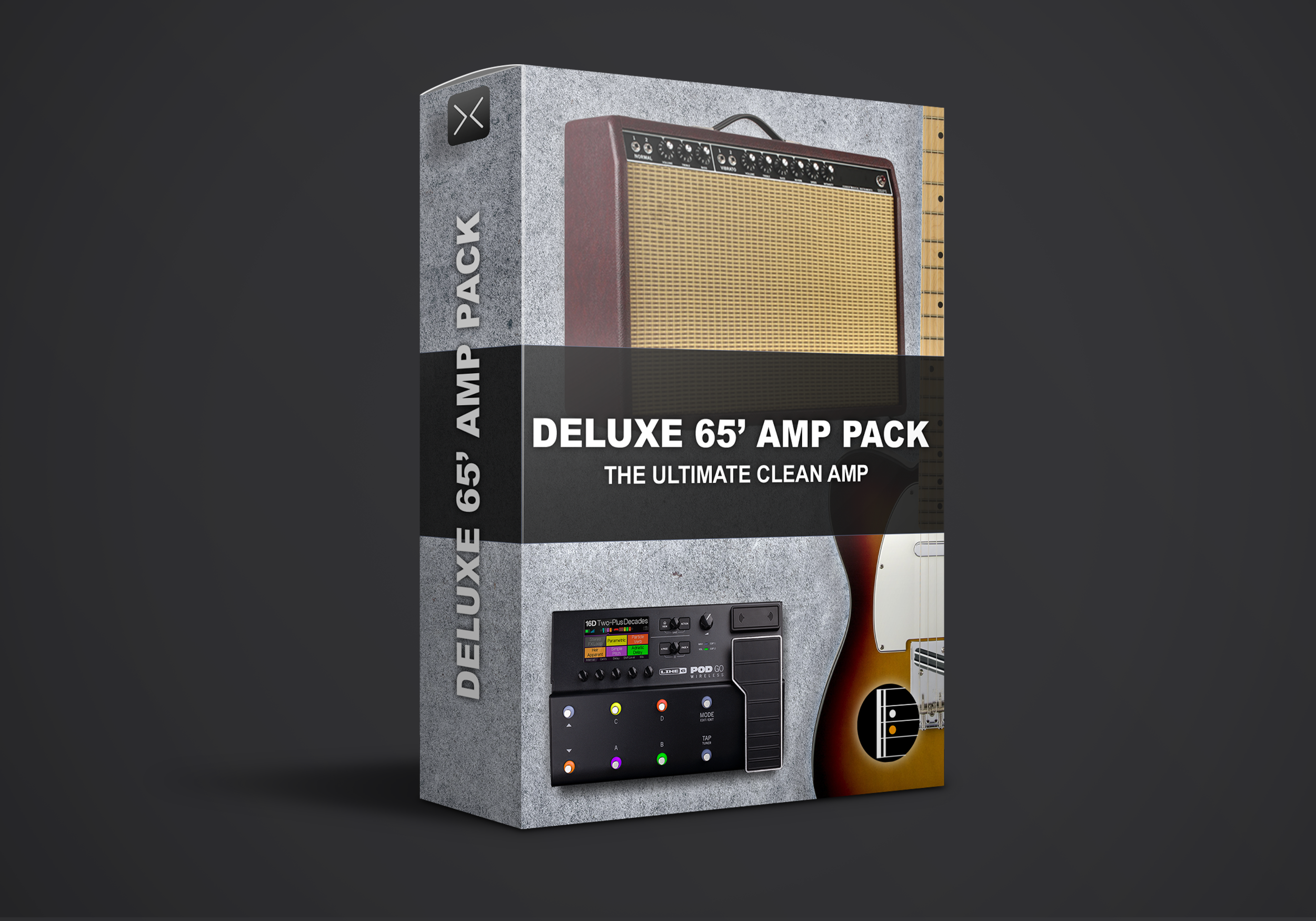
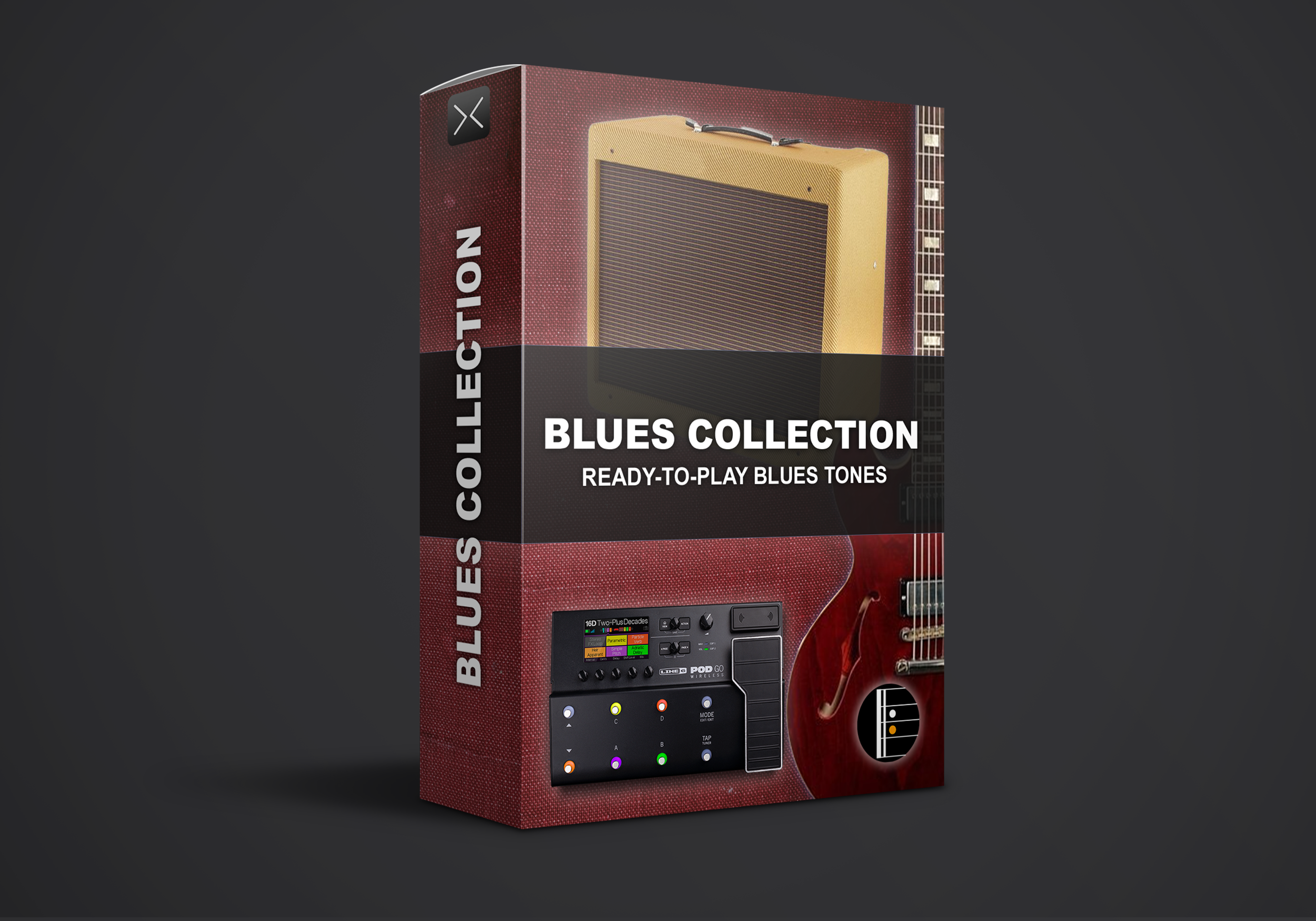
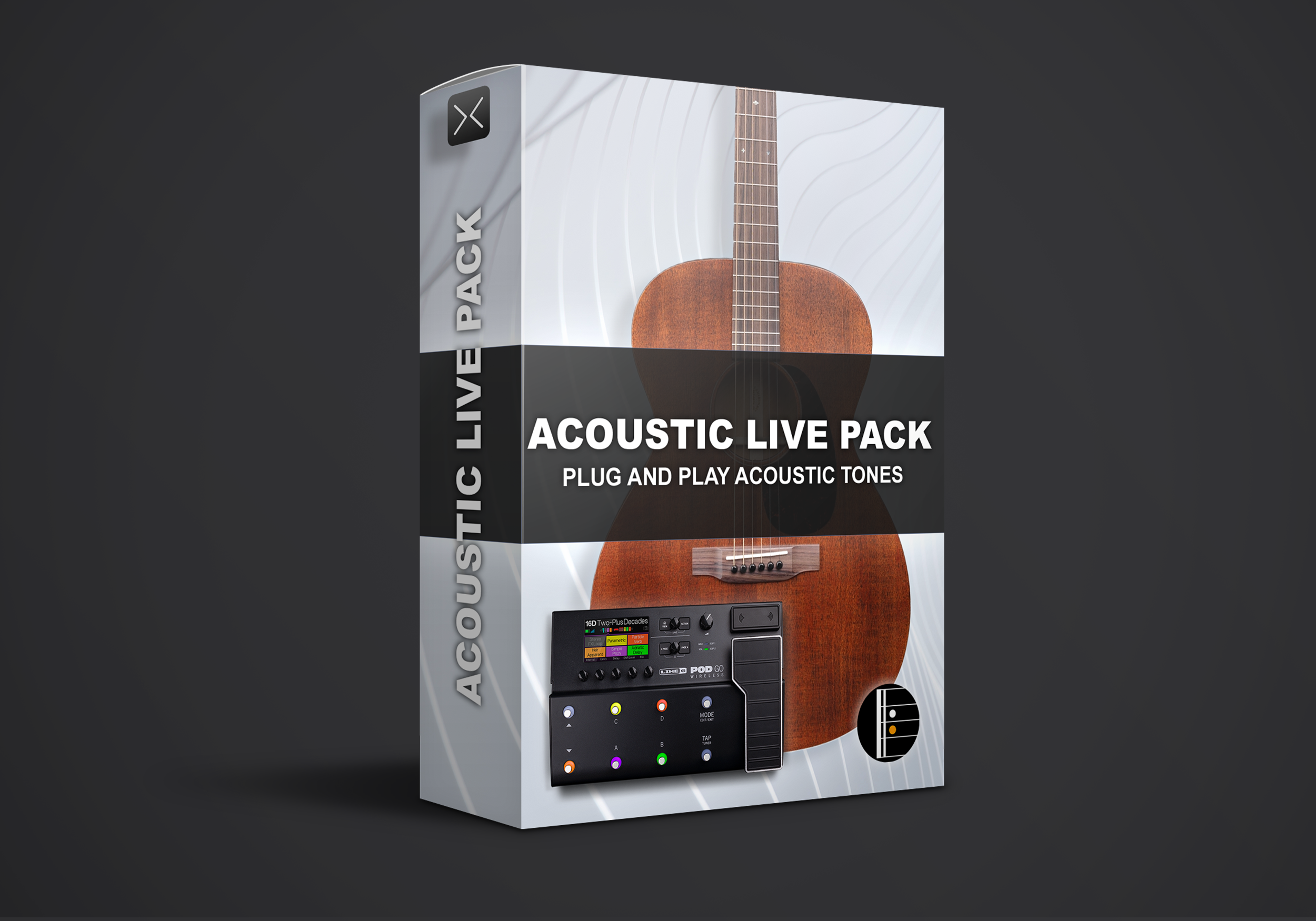
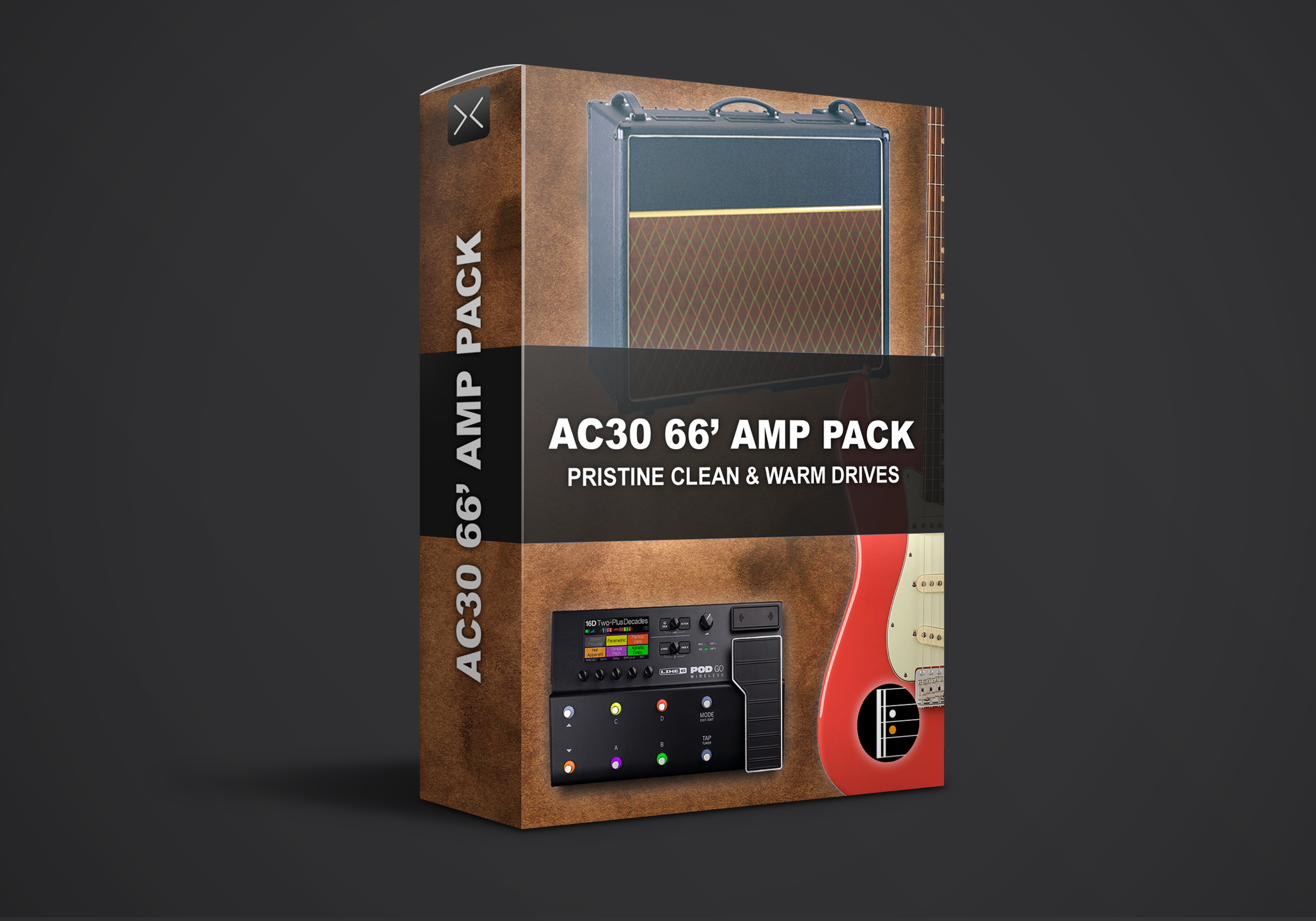
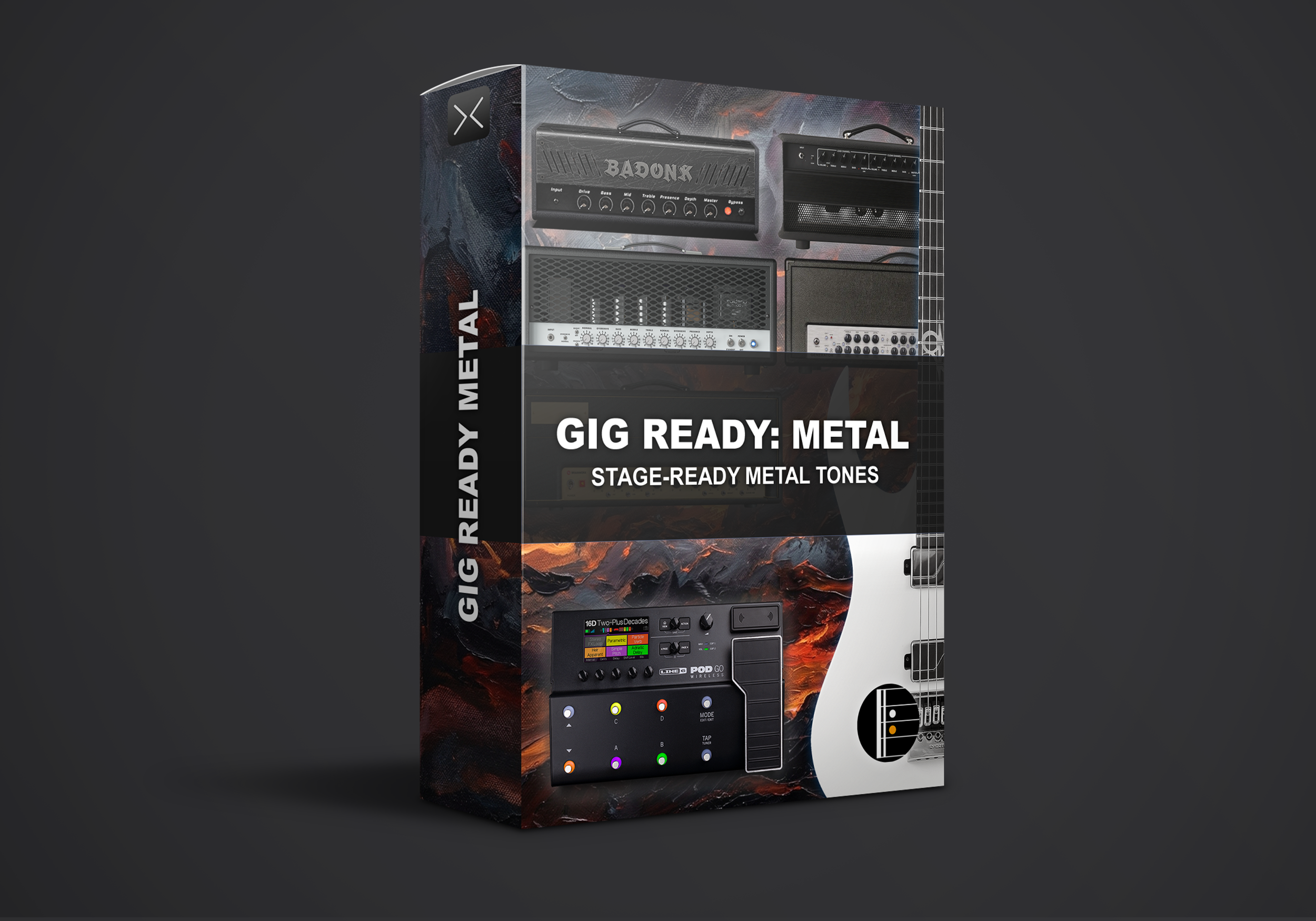
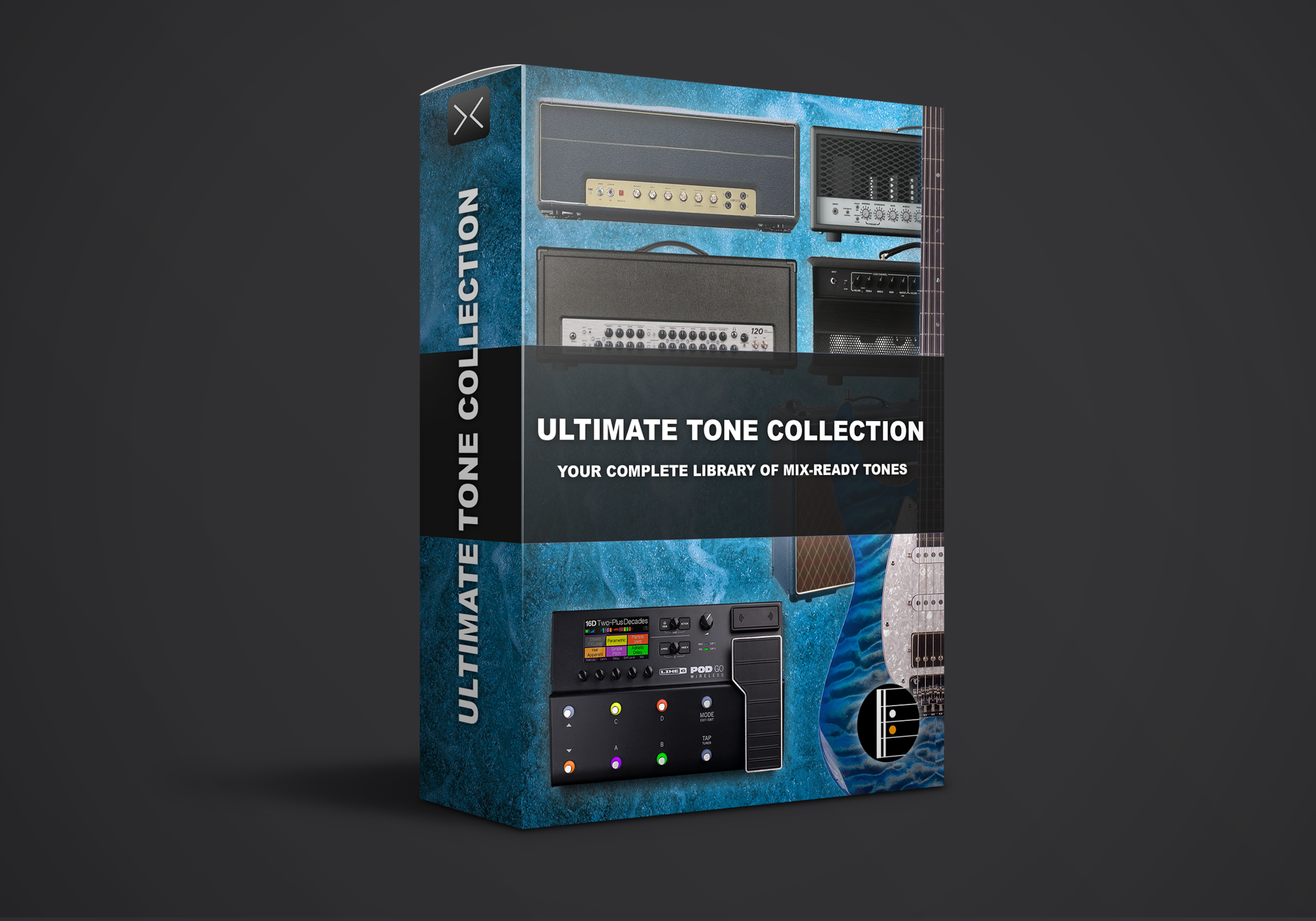
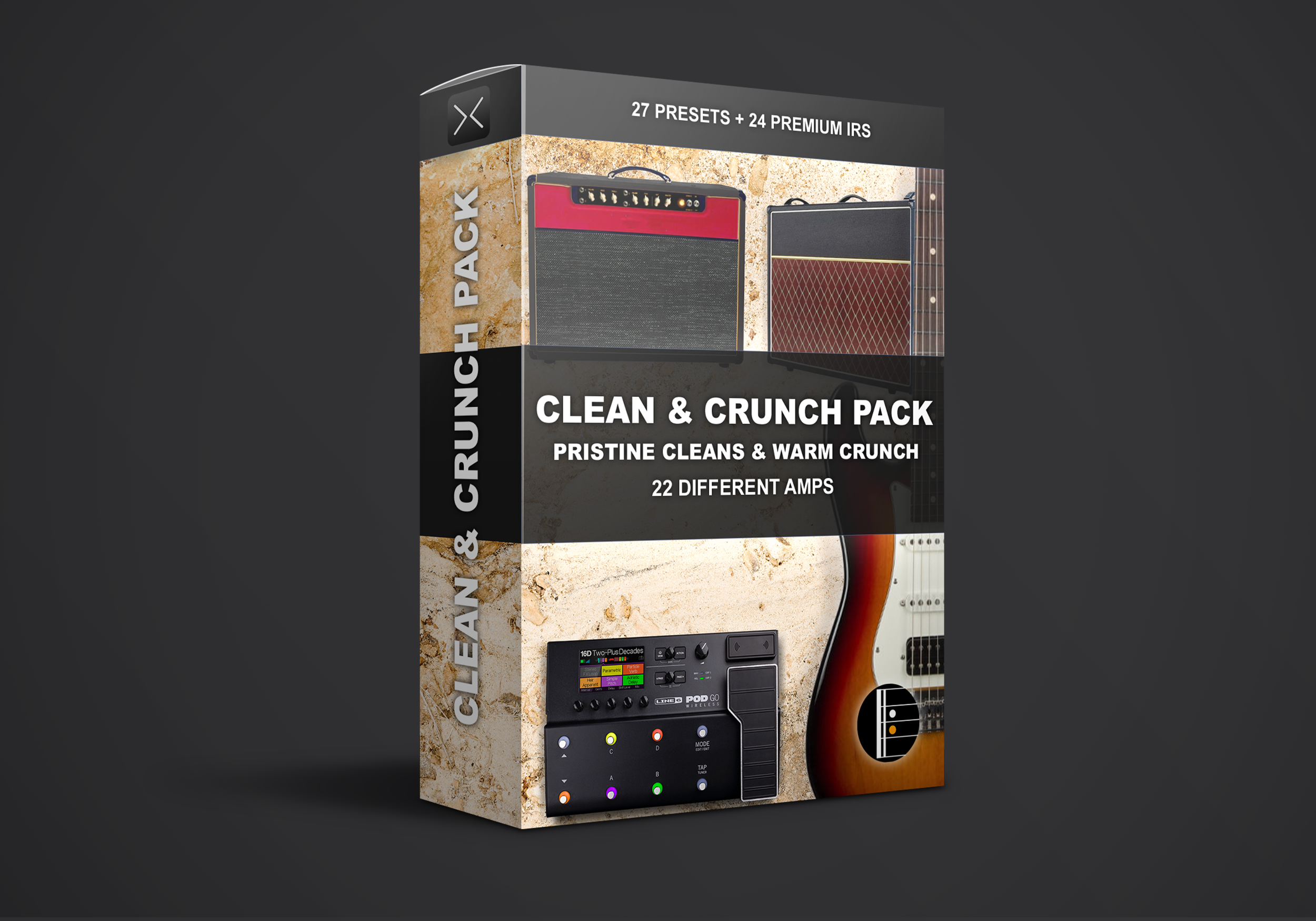
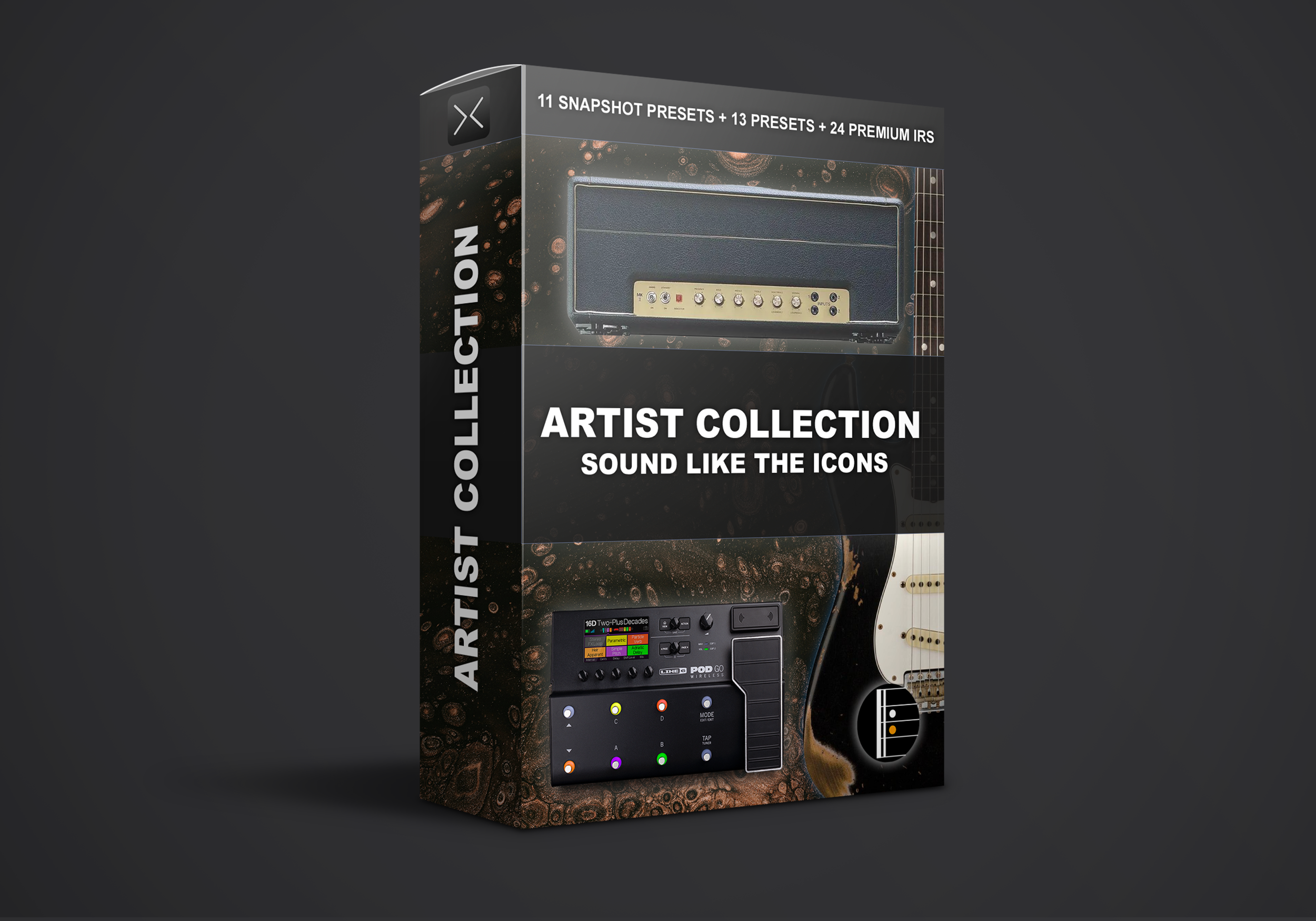

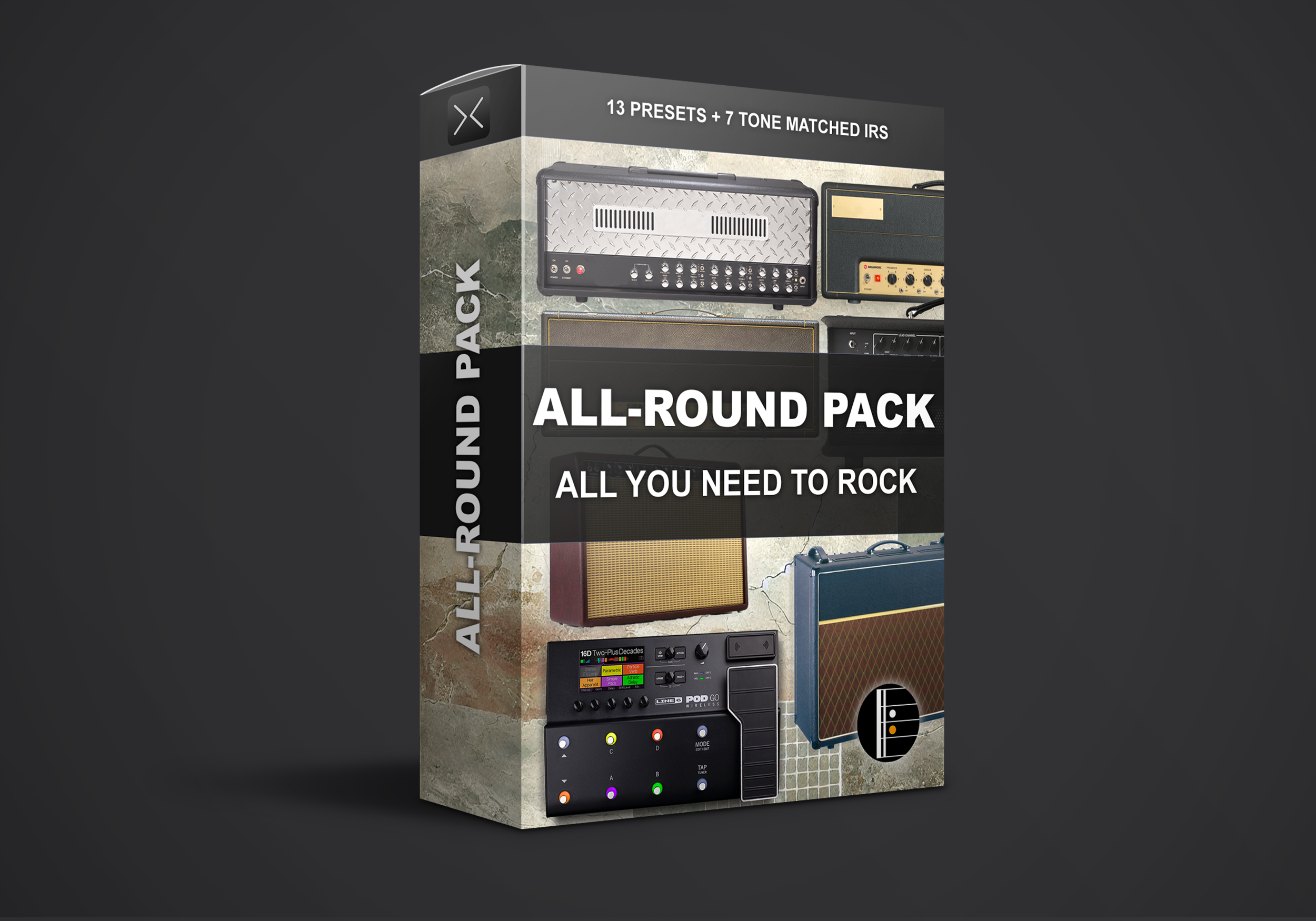


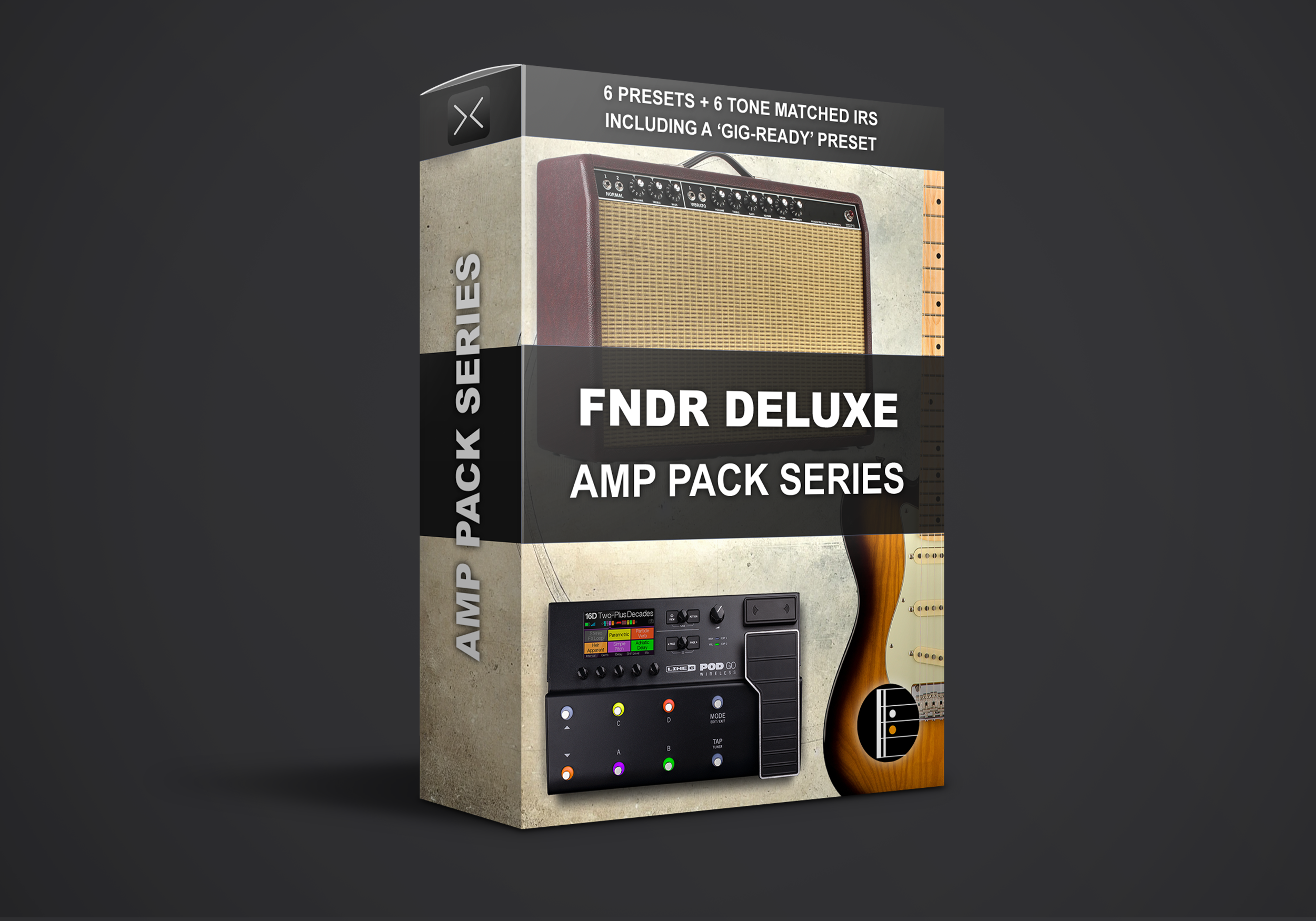



How It Works
From Checkout to Gig in Minutes
-
01
Pick Your Pack
Choose a single pack or grab a bundle. Add any 4 products and the cheapest one is free at checkout.
-
02
Download Instantly
Your download link arrives by email right after checkout. The files are standard POD Go .pgp presets.
-
03
Drag Into POD Go Edit
Connect your POD Go, open POD Go Edit and drag the presets into any free slots. Plug in and play.
FAQ
POD Go Presets: Common Questions
Do these presets work on POD Go Wireless?
Yes. POD Go and POD Go Wireless use the same preset format, so every pack on this page works on both units.
How do I import the presets?
Connect your POD Go to your computer with USB and open POD Go Edit (free from Line 6). Drag the .pgp files from your download folder onto the preset list, or use the Import button. The presets are saved to your unit right away.
Which firmware do I need?
We recommend updating your POD Go to the latest firmware with Line 6 Updater before importing. Presets made on newer firmware may not load on older versions, and updating also gives you the newest amp models.
Can I use POD Go presets on Helix, HX Stomp or Helix Stadium?
No. POD Go presets only load on POD Go and POD Go Wireless. For other Line 6 units, check our Helix presets or Helix Stadium presets.
Will the presets sound right with my guitar and speakers?
The presets are built for full range playback: studio monitors, FRFR speakers, headphones or direct to a PA. Every guitar and pickup set reacts a little differently, so expect to fine tune gain and output level to taste.
Running into the front of a guitar amp? Turn off the cab block in the preset so you are not doubling up on speaker simulation.
How does Buy 3 Get 1 Free work?
Add any 4 products to your cart and the cheapest one is deducted automatically at checkout. No code needed. You can also sign up to our newsletter for 30% off your first order.
I lost my download link. What do I do?
We recommend downloading your files straight after purchase and keeping a backup. If your link has expired or the email never arrived, check your spam folder first, then email support@komposition101.com with your order number and we will sort it out.
Can I try before I buy?
Yes. Grab Gig Ready: ANGL for free and hear the quality on your own rig first. Not sure which pack fits your style? Try the Tone Finder.
Still Deciding?
Hear It on Your Own Rig
Download the free Gig Ready sample, or get every POD Go pack we make in one bundle at our best price.