ToneX Guitar Profiles
Real Amp Tone ◆ Captured Perfectly
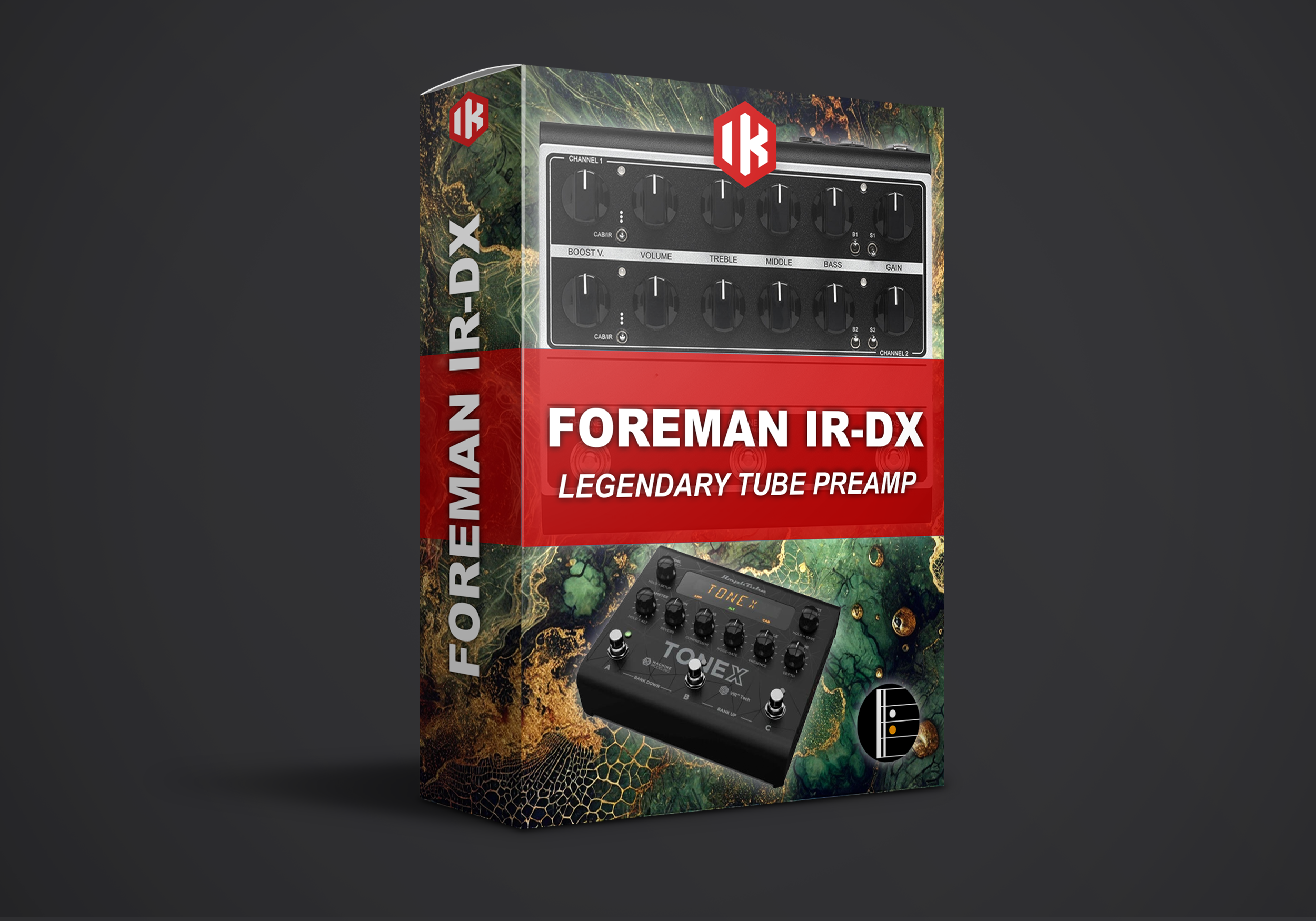
Professional ToneX captures with mix-ready amplifier and cabinet settings — plug in and play instantly with zero tweaking required.
Sign up to our newsletter and get an instant 30% discount code straight to your inbox.
Get the CodeAdd any 4 products to your cart — the cheapest one is automatically deducted at checkout.
Price Filter

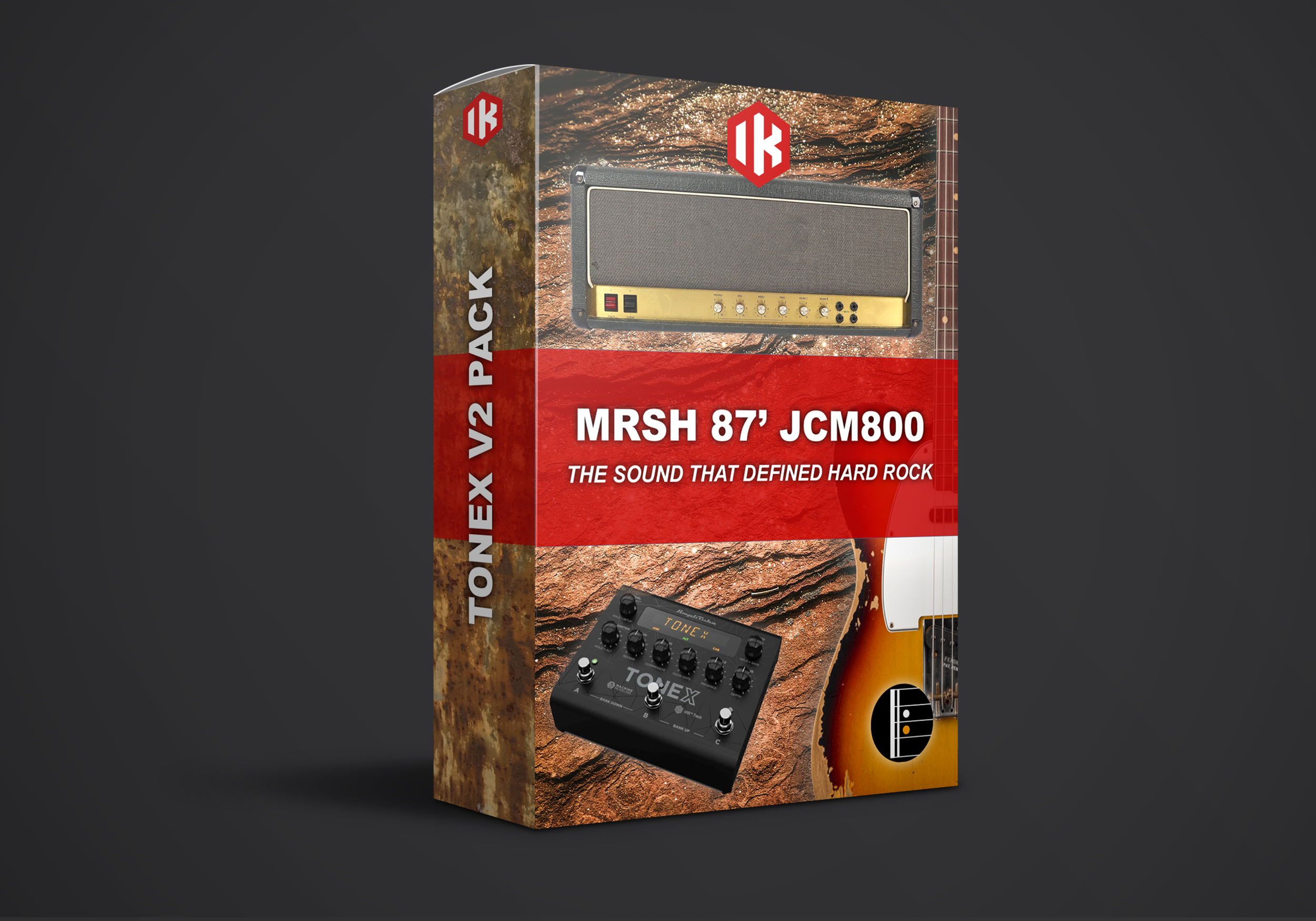
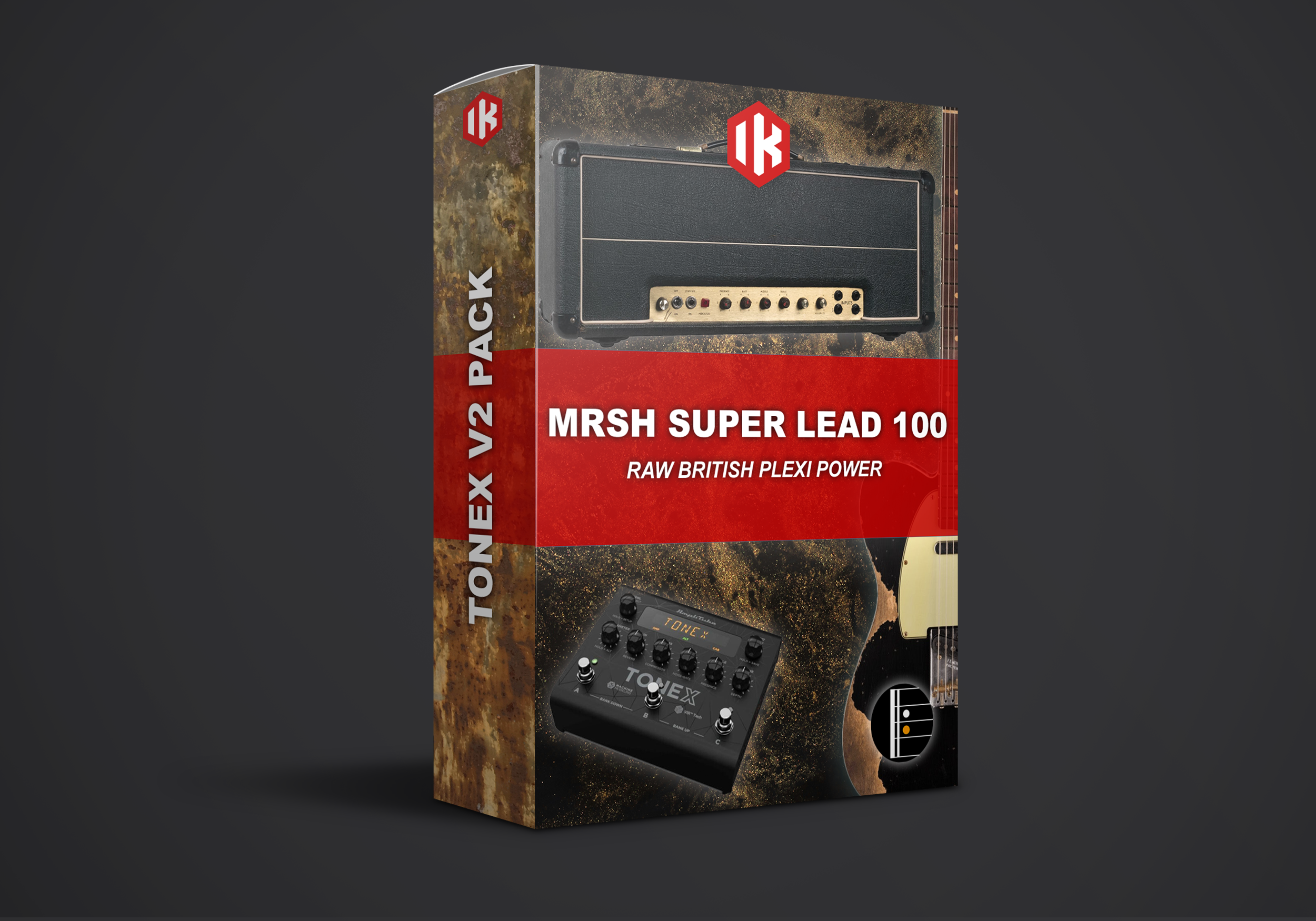
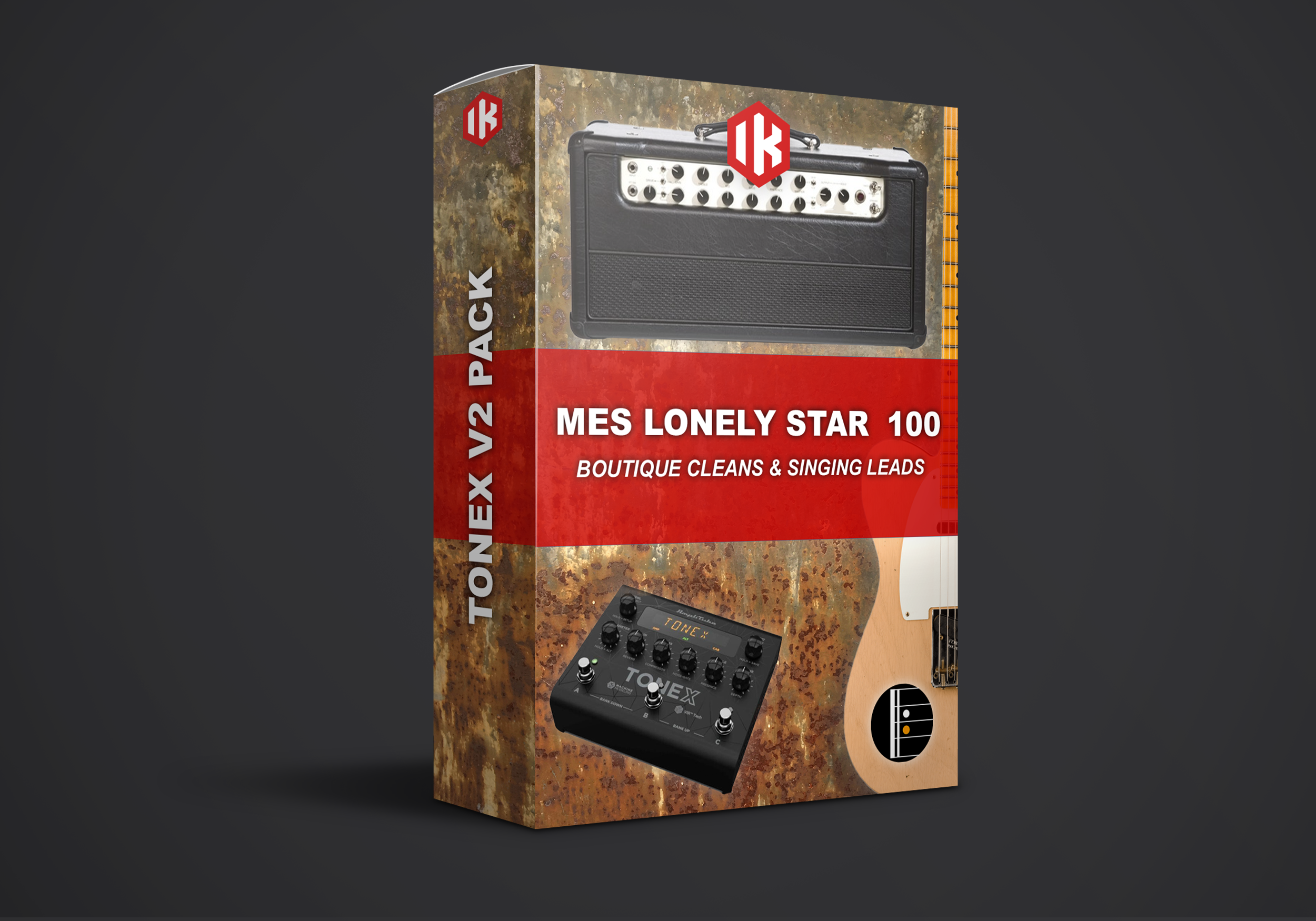
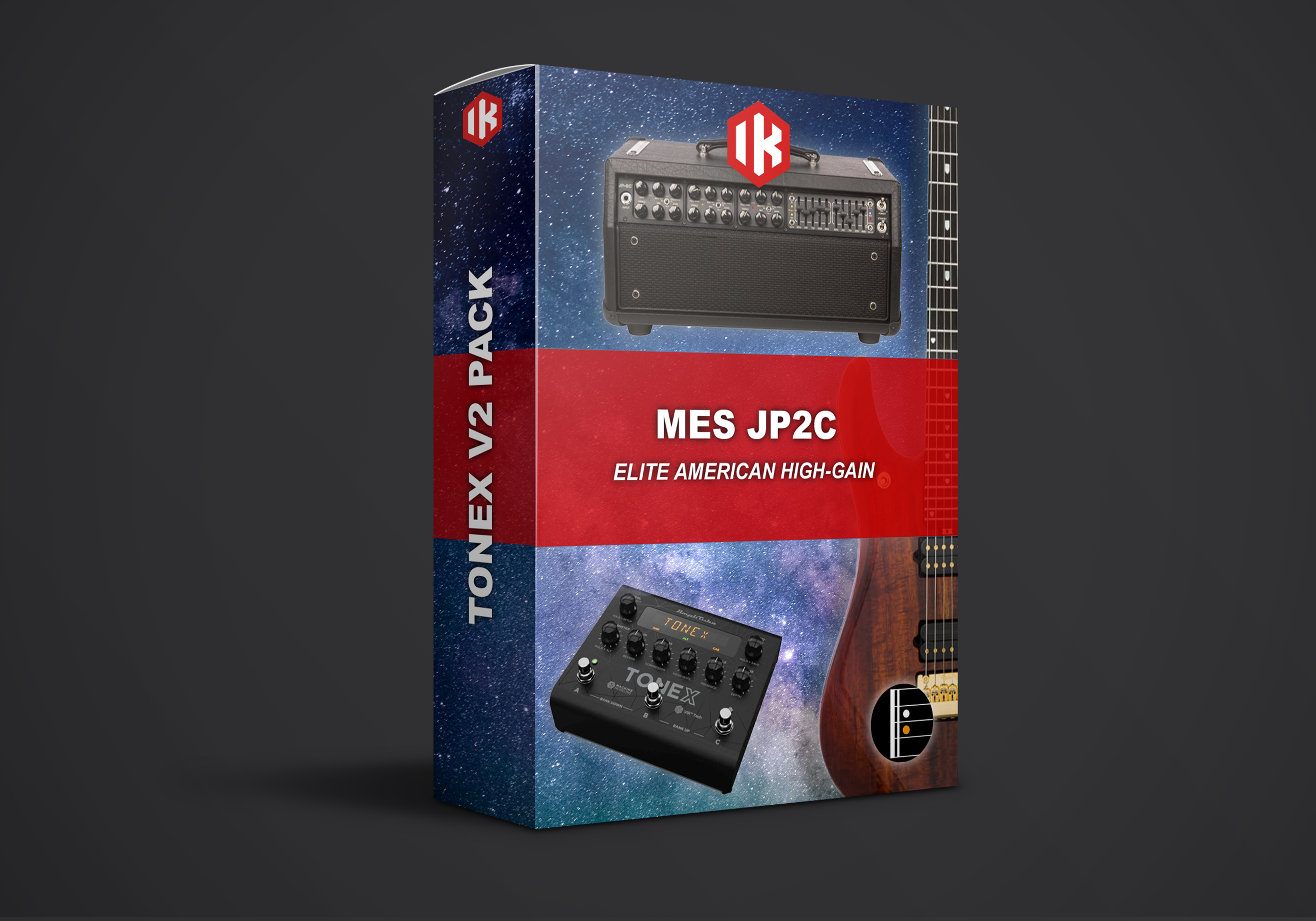










How It Works
From Checkout to Gig in Minutes
-
01
Pick Your Captures
Choose a single pack or save big with a bundle. Add any 4 products and the cheapest one is free at checkout.
-
02
Download Instantly
Your download link arrives by email right after checkout. The captures are standard ToneX .txp files.
-
03
Import Into ToneX
Open the ToneX app, drag the files into your library and send them to your pedal. Plug in and play.
FAQ
ToneX Profiles: Common Questions
Which ToneX devices do these profiles work on?
All of them. The captures work in the ToneX software on Mac and PC (standalone and plugin) and on every ToneX hardware unit, including ToneX Pedal, ToneX One and ToneX Plug.
How do I import ToneX profiles?
Open the ToneX app on your computer and drag the .txp files into your library, or use the Import option. To use them on hardware, connect your pedal with USB and drag the captures from your library onto a preset slot.
What is the difference between full rig and DI captures?
Full rig captures include the amp and cabinet sound, ready for monitors, headphones or a PA. DI captures are amp only, so you can pair them with ToneX's own cabinets, your own impulse responses or a real guitar cab. Use the DI Captures filter above to find them, and browse our impulse responses if you need cabs.
Do I need to tweak the profiles before playing?
No. Every capture is set up with mix ready amp and cabinet settings, so you can start playing right away. Adjust gain, EQ and output level to suit your guitar and pickups, and add effects to taste.
Can I use them with a guitar amp or cab?
Yes. For the front of a guitar amp or a power amp into a real cab, use our DI captures or switch off the cabinet in ToneX, so you are not doubling up on speaker simulation. For FRFR speakers, monitors, headphones and PA, use the full rig captures.
Which software and firmware version do I need?
We recommend updating the ToneX app and your pedal's firmware to the latest versions before importing. This keeps your library and hardware in sync and avoids import errors.
Do you have these amps for other platforms?
Many of them, yes. We capture the same amps for Kemper, NAM and Helix Stadium. Playing bass? See our ToneX bass profiles.
How does Buy 3 Get 1 Free work?
Add any 4 products to your cart and the cheapest one is deducted automatically at checkout. No code needed. You can also sign up to our newsletter for 30% off your first order.
I lost my download link. What do I do?
We recommend downloading your files straight after purchase and keeping a backup. If your link has expired or the email never arrived, check your spam folder first, then email support@komposition101.com with your order number and we will sort it out.
Can I try before I buy?
Yes. Grab one of our free sample packs and hear the quality on your own rig first. Not sure which pack fits your style? Try the Tone Finder.
Still Deciding?
Hear It on Your Own Rig
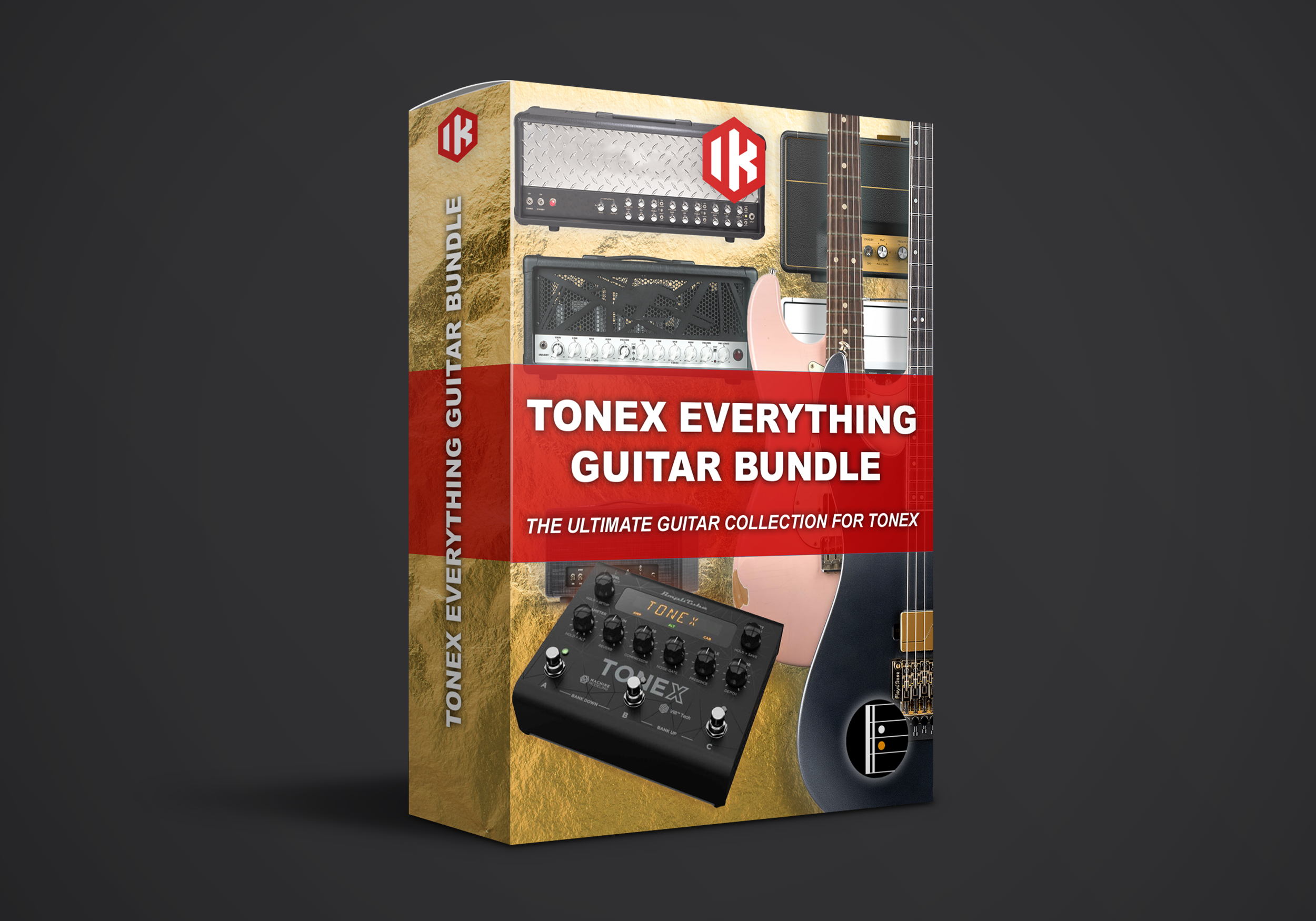
Start with a free sample pack, or get every ToneX guitar capture we make in one bundle at our best price.